4
|
FRANÇAIS
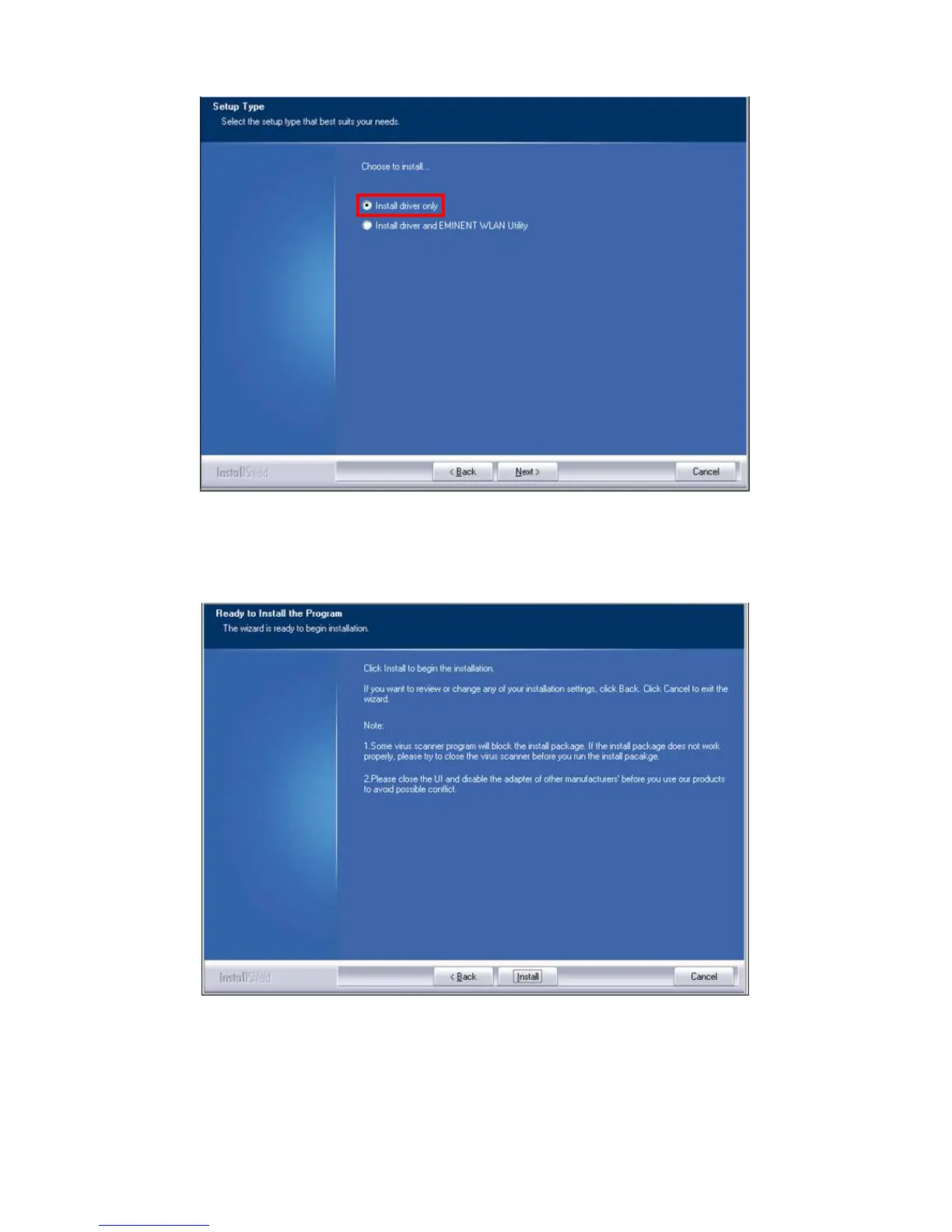
Image 2- – Installation
9. Un nouvel écran apparaît avec des informations importantes. Veuillez les lire
attentivement. Reportez-vous à l’image suivante :
Image 3 – Installation
10. Cliquez sur « Installer » pour installer le pilote.
11. Une fois le pilote installé, cliquez sur « Terminer » pour parachever l’installation
tel qu’illustré ci-dessous :



 To Next Page