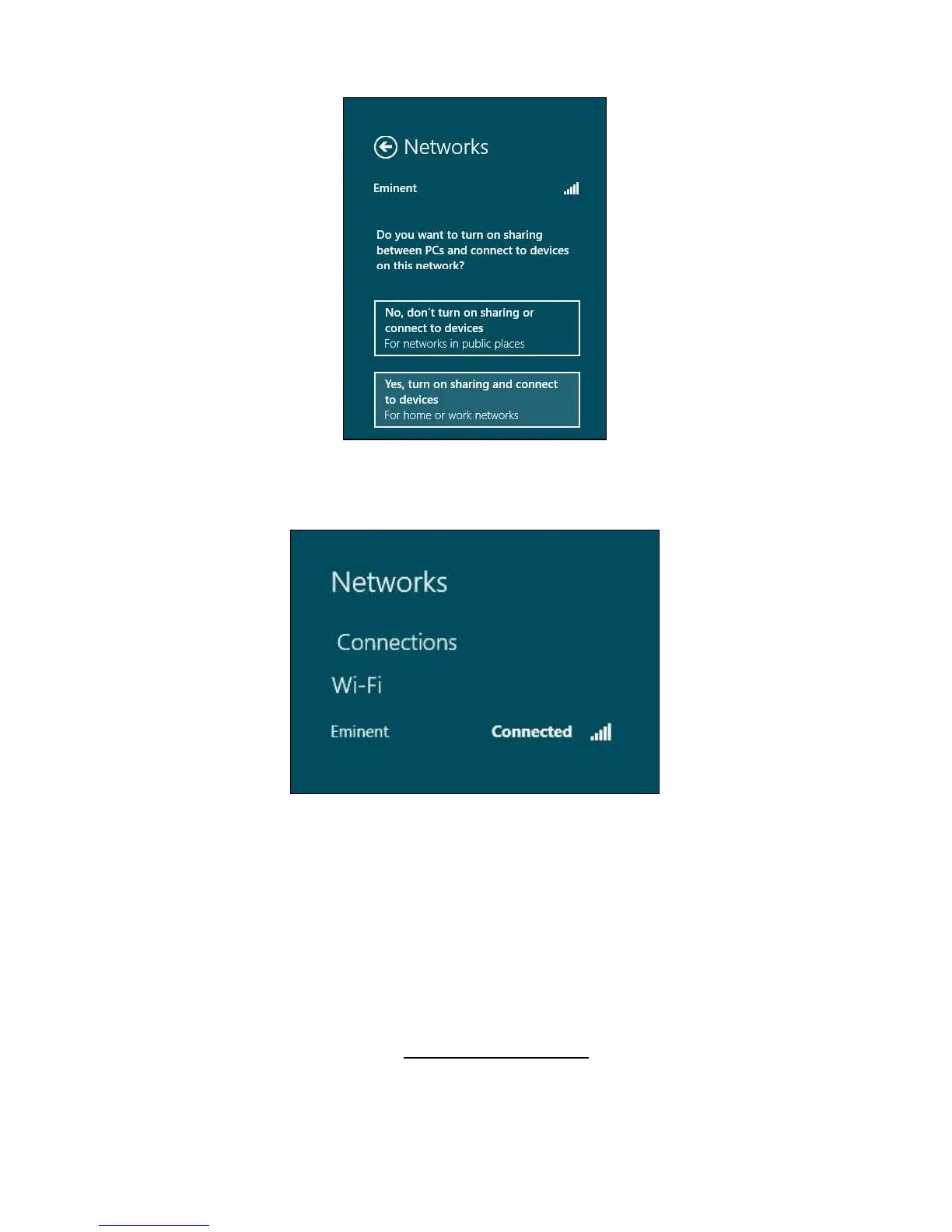
Image 16 - Connecting
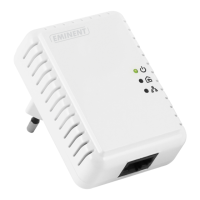
5. Your network will be connected, as shown in the following image:
Image 17 - Connecting
6. This image tells you an internet connection has been established. You will now be
able to access the internet.
3.0 Frequently Asked Questions and other
related information
The latest Frequently asked questions for your product can be found on the support
page of your product. Eminent will update these pages frequently to assure you have
the most recent information. Visit www.eminent-online.com for more information about
your product.



 To Next Page