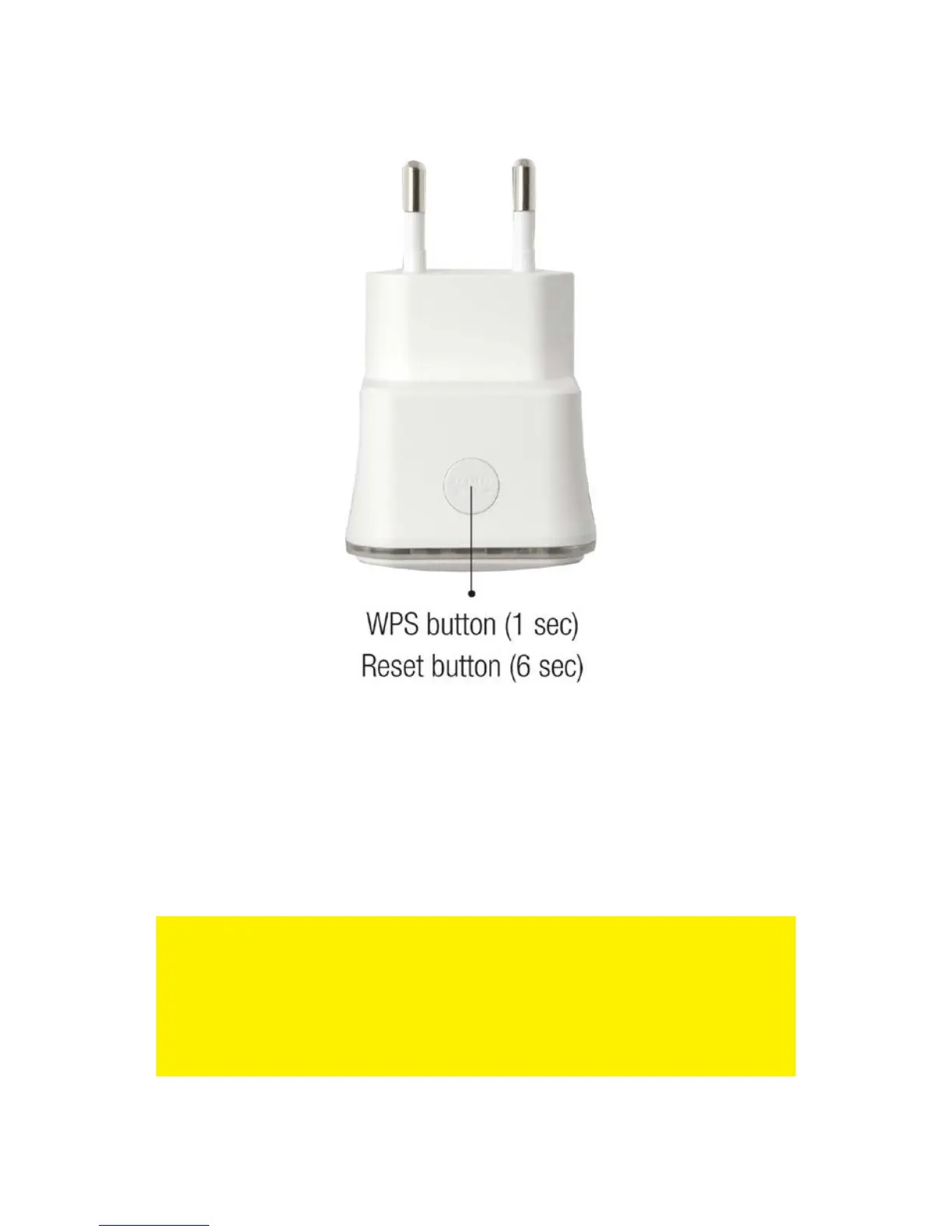
6. The connection between your wireless router and the EM4594 wireless repeater
will be established automatically. This will take approx. 1 minute including reboot.
Note: If the WPS button is used, the SSID and network key and frequencies are the
same as used on your wireless router. Some WPS routers will change their original
SSID to another SSID if WPS is used. In this installation guide, the SSID of the
wireless router is ‘Eminent Test 1’.After using WPS button the SSID will automatically
change to SSID + (R).
If you wish to use different settings from your modem/router you will need to setup the
EM4594 manually using a web browser.



 To Next Page