3
|
MULTILINGUAL
3.0 (HU) Telepítés ..................................................................................................... 24
3.1 Tegye biztonságossá a kapcsolatát ................................................................. 24
4.0 (HU) Hogyan használja az utazó olvasó tárolót fájlok közvetítésére .................... 25
5.0 (HU) Töltsön le fájlokat az iPhone, iPad vagy iPod készülékére........................... 26
6.0 (HU) Töltsön fel képeket és filmeket az utazó olvasóra ........................................ 26
7.0 Frequently Asked Questions and other related information .................................. 27
8.0 Service and support ............................................................................................. 27
9.0 Warning and points of attention ........................................................................... 27
10.0 Warranty conditions ........................................................................................... 28
11.0 Declaration of Conformity .................................................................................. 28
1.0 Introduction
Congratulations with the purchase of this high-quality Eminent product! This product
has undergone extensive testing by Eminent’s technical experts. Should you
experience any problems with this product, you are covered by a five-year Eminent
warranty. Please keep this manual and the receipt in a safe place.
Register your product now on www.eminent-online.com and receive product updates!
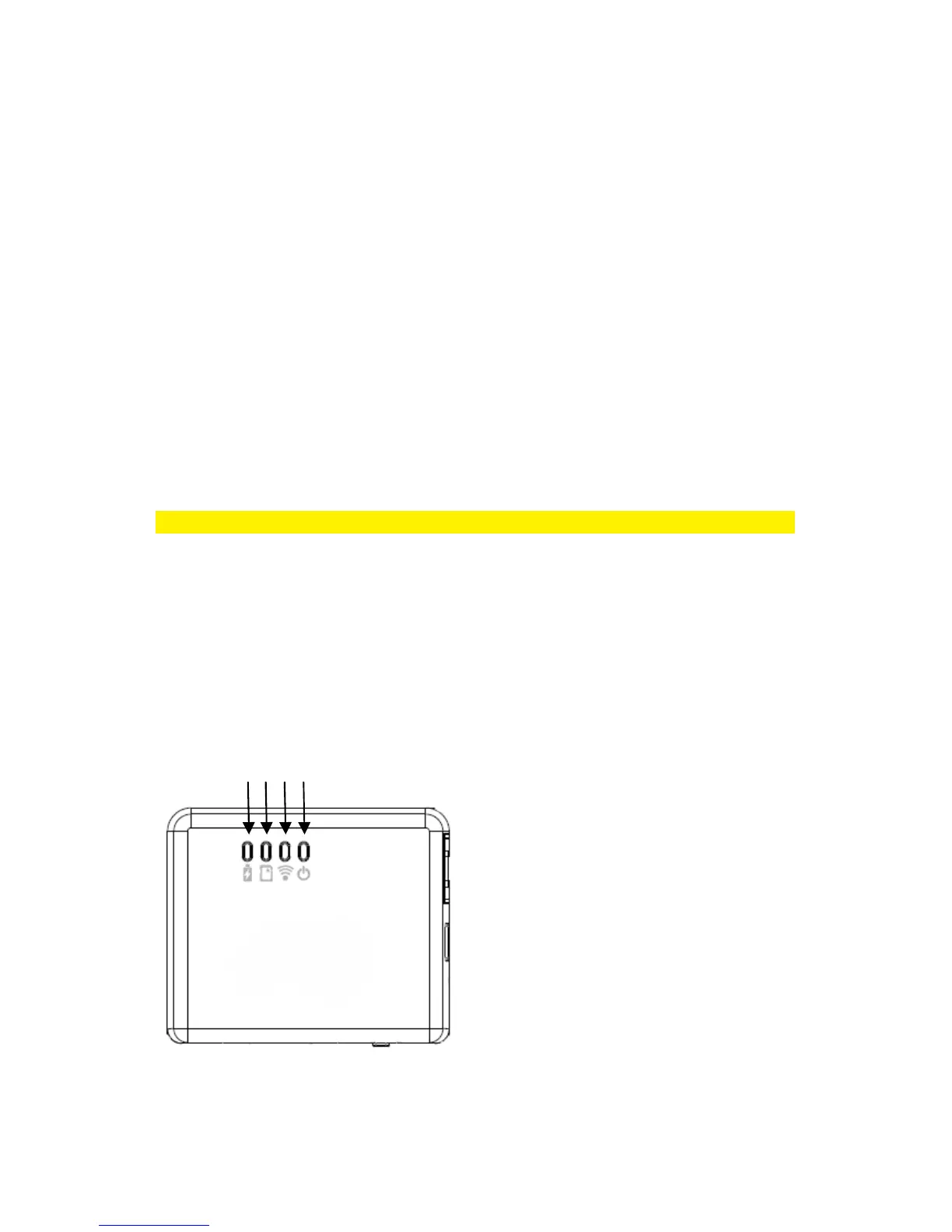
2.0 (EN) Interface & LED Indicator description
1) Power LED green : the power is on
1) Power LED orange : battery is low
2) WiFi LED blue : Wireless LAN is working
3) Access LED green : media access
4) Battery Charger LED red : battery is
charging (turns off when fully charged)
4 3 2 1



 To Next Page