5
|
MULTILINGUAL
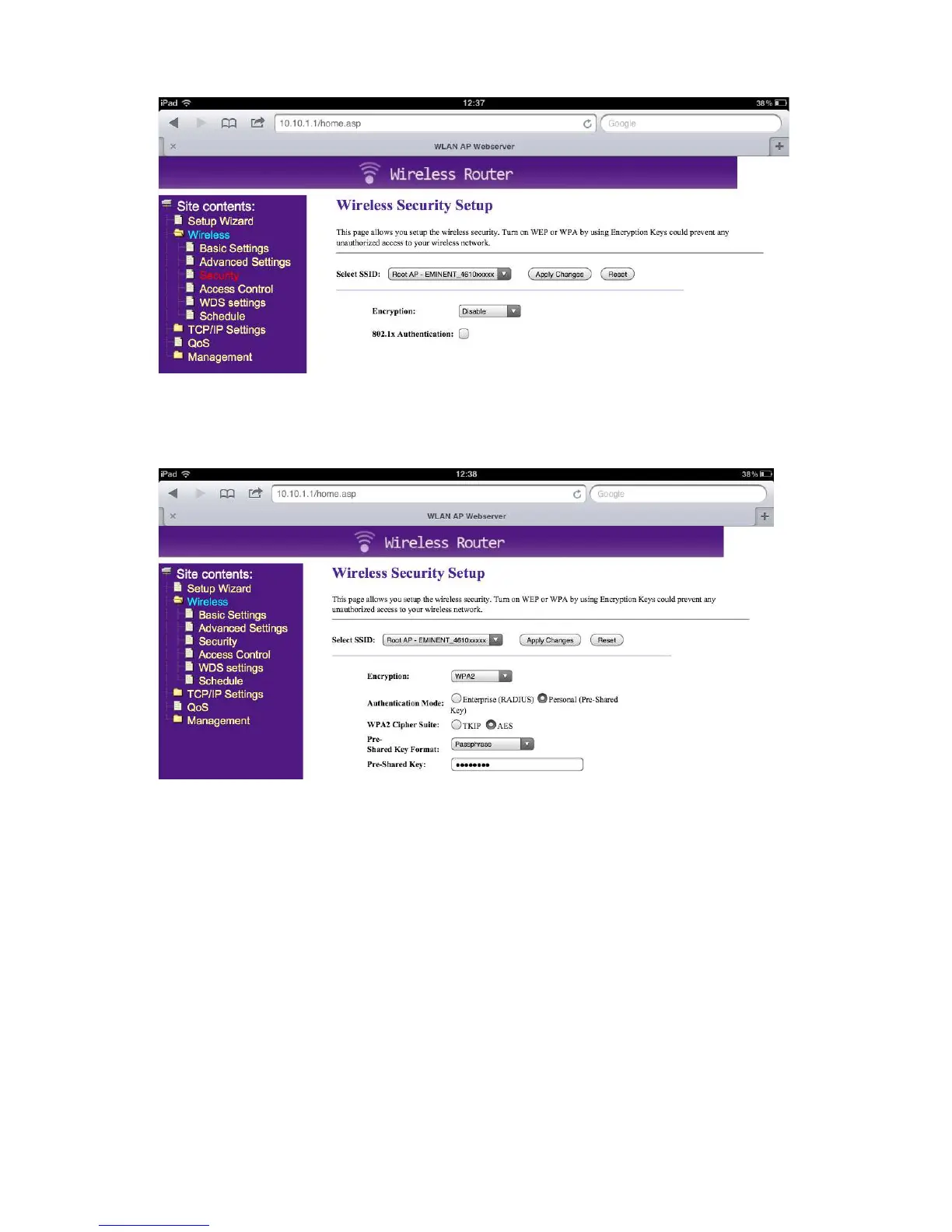
5. Select Encryption and choose “WPA2”
6. Type your password in the “Pre-Shared Key”
7. Press “Apply Changes”
8. Reconnect with the EM4610 Travel Router with your password
4.0 (EN) How to use the Travel Reader
Storage Function to stream files
1. Plug in an USB stick or SD card in the Travel Reader (not both at the same time)
2. Install the EMINENT 4610 app from the Apple store
3. Click video’s, photos, music or documents to stream them to your device



 To Next Page