4
|
MULTILINGUAL
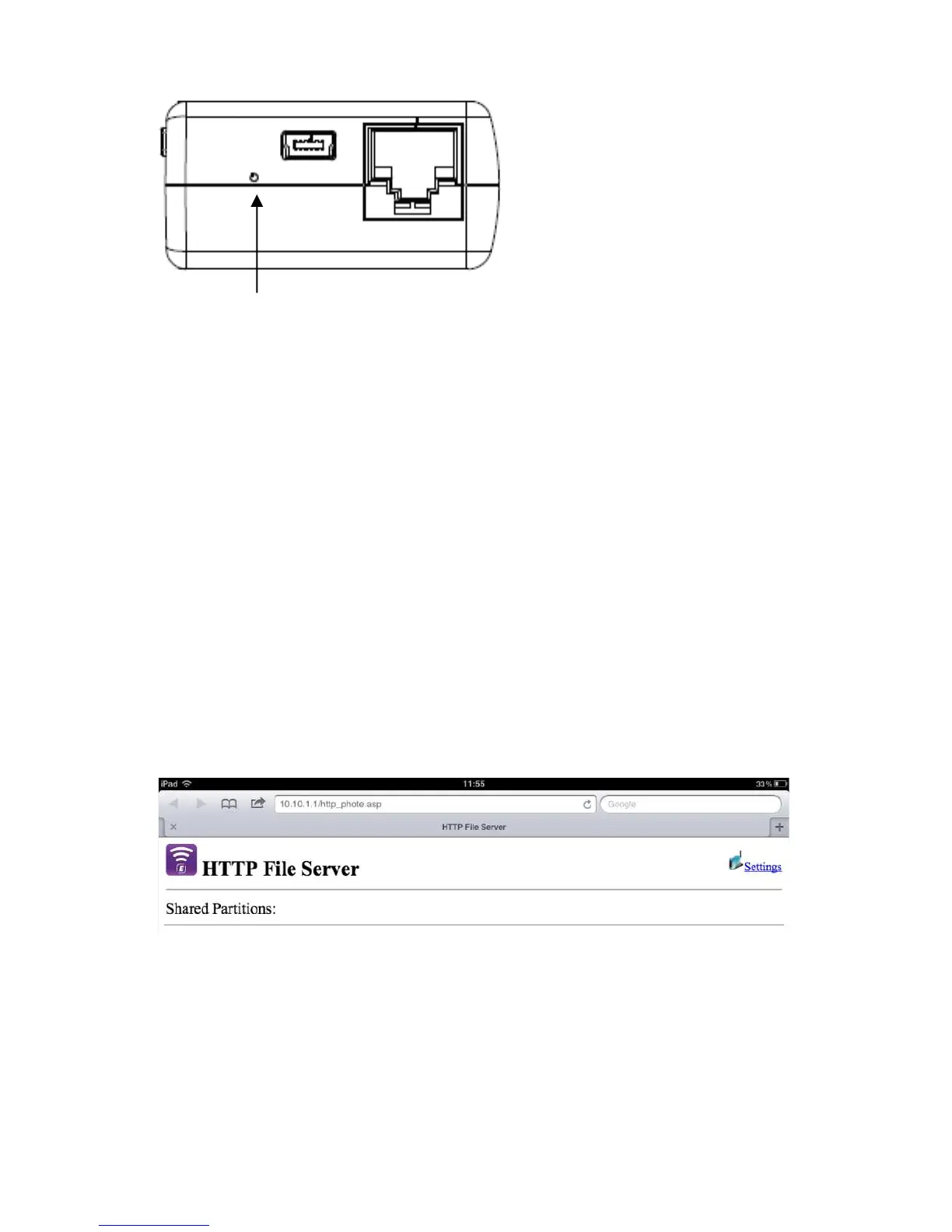
Reset : press the hole button for minimum of 3 seconds. The blue WiFi LED will turn
off and factory setting will be restored.
3.0 (EN) Installation
1. Connect the Ethernet cable to the WAN port
2. Connect the other end of the cable to the Internet port of the hotel room (or
Router)
3. Choose the WiFi network Eminent_4610_xxxxxx and connect
4. You are now connected to the internet
3.1 Secure your connection
We strongly advise you to secure your wireless connection. You only need to do these
steps once.
1. Open your browser and type 10.10.1.1 in the URL address
2. Click on “Settings”
3. Select “Wireless” in the site contents menu
4. Select “Security”



 To Next Page