Video Colour: User can set the video colour: Coloured or black and white.
Brightness: Control the brightness of the camera video from 1(dark) ~ 10(Bright) level.
Sharpness: Control the level of sharpness and clearness of the image.
Low Light Sensitivity: The level of the camera senses the low light condition.
Place: You can choose the camera installation environment in order to make camera automatically
adjust for the best image quality.
Preference: You can choose image quality, video motion, better quality or best quality as your
preference of the video quality.
Time display on video: Enabling this function will make the camera embed the time information
into the picture.
Microphone: Disable or enable the microphone. When you enable the Mic., the user who monitors
the image can hear the sounds.
Video Flip: This function is to flip the image for mounting camera upside down.
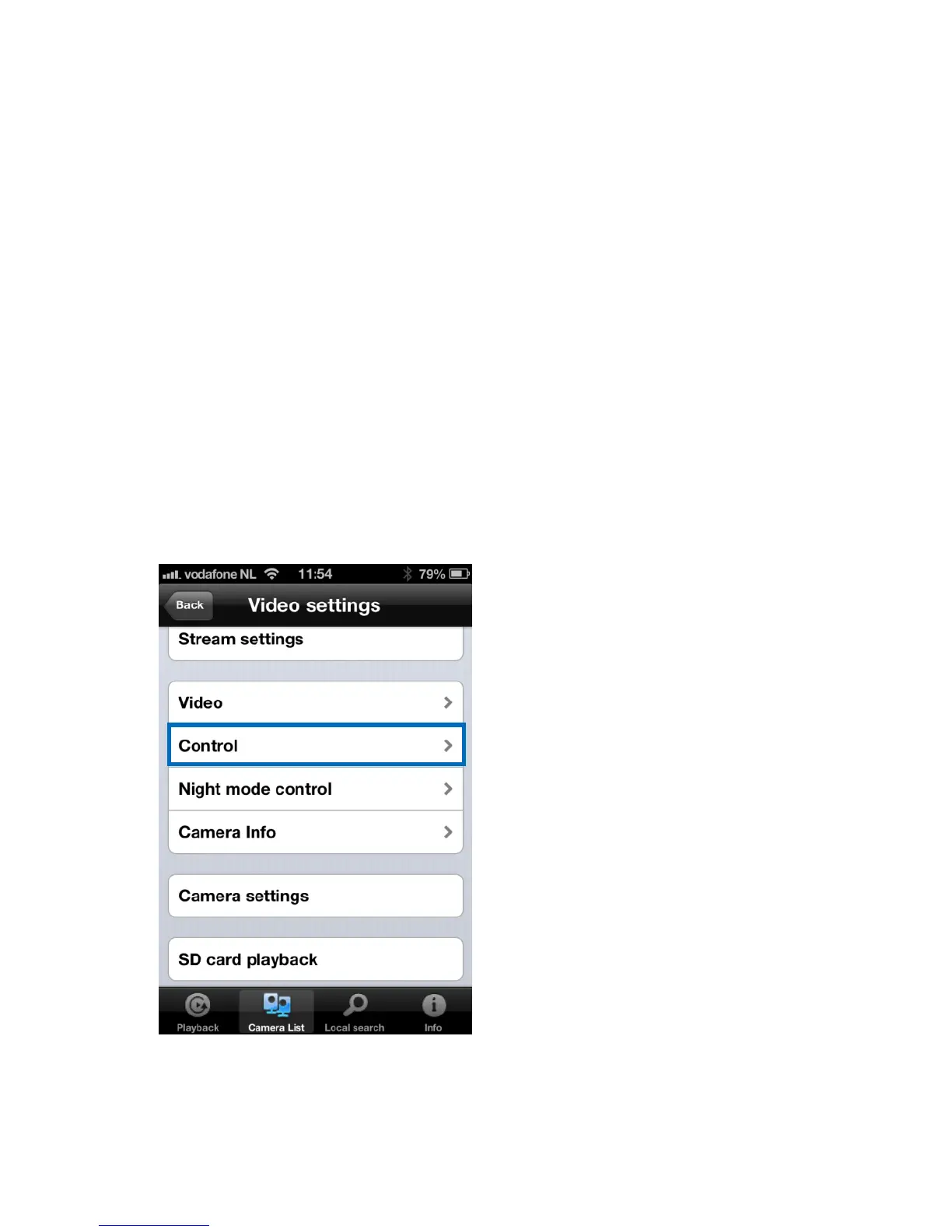
4.7.2 Control


 To Next Page