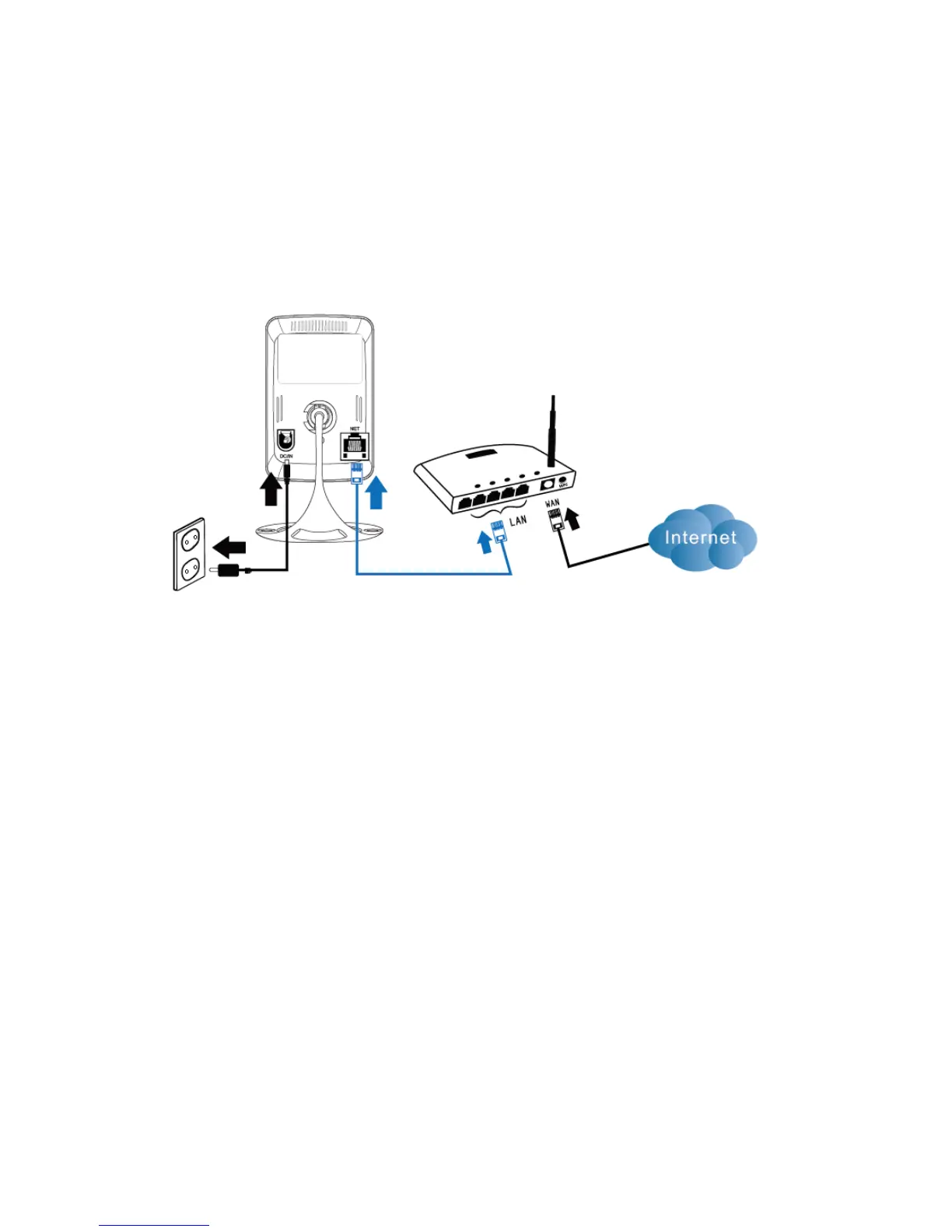
2.2 Connecting the camera to your network using a
network cable
We advise to connect the camera first with a network cable. Once the camera works
correctly, you can use your wireless network.
1. Connect the camera to a power outlet using the supplied power adapter.
2. Connect the camera to your router or switch using the supplied network cable.



 To Next Page