12 | ENGLISH
3.1 Making a wireless connection manually
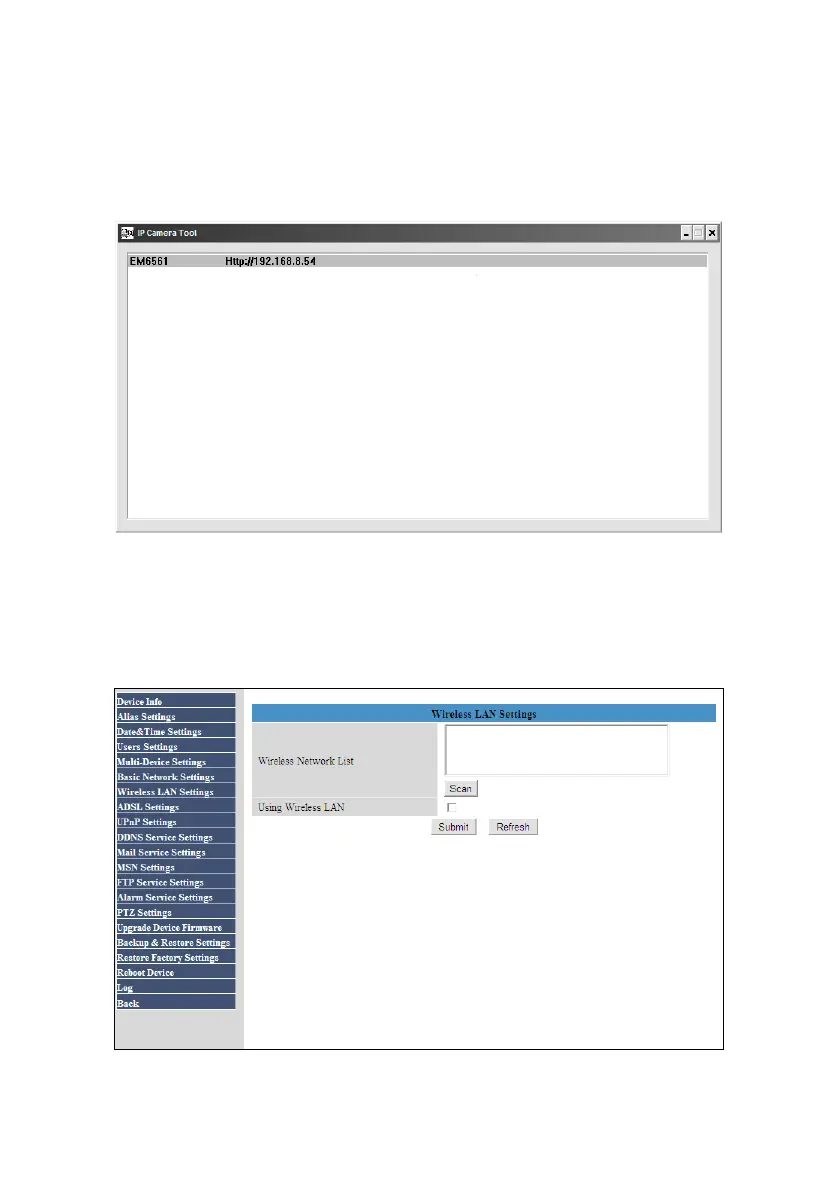
1. Double-click the ‘IP Camera Tool’ icon on your desktop.
2. If correct, the name of the camera and IP-Address will be shown as shown in the
following image:
Image 10
3. Double-click the name and IP-Address rule.
4. Log in to the webpage of the camera.
5. Click ‘For Administrator’.
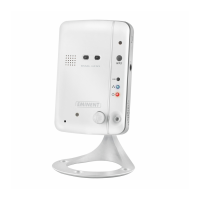
6. Click ‘Wireless LAN Settings’ after which the following image is shown:
Image 11



 To Next Page