16 | ENGLISH
Image 16
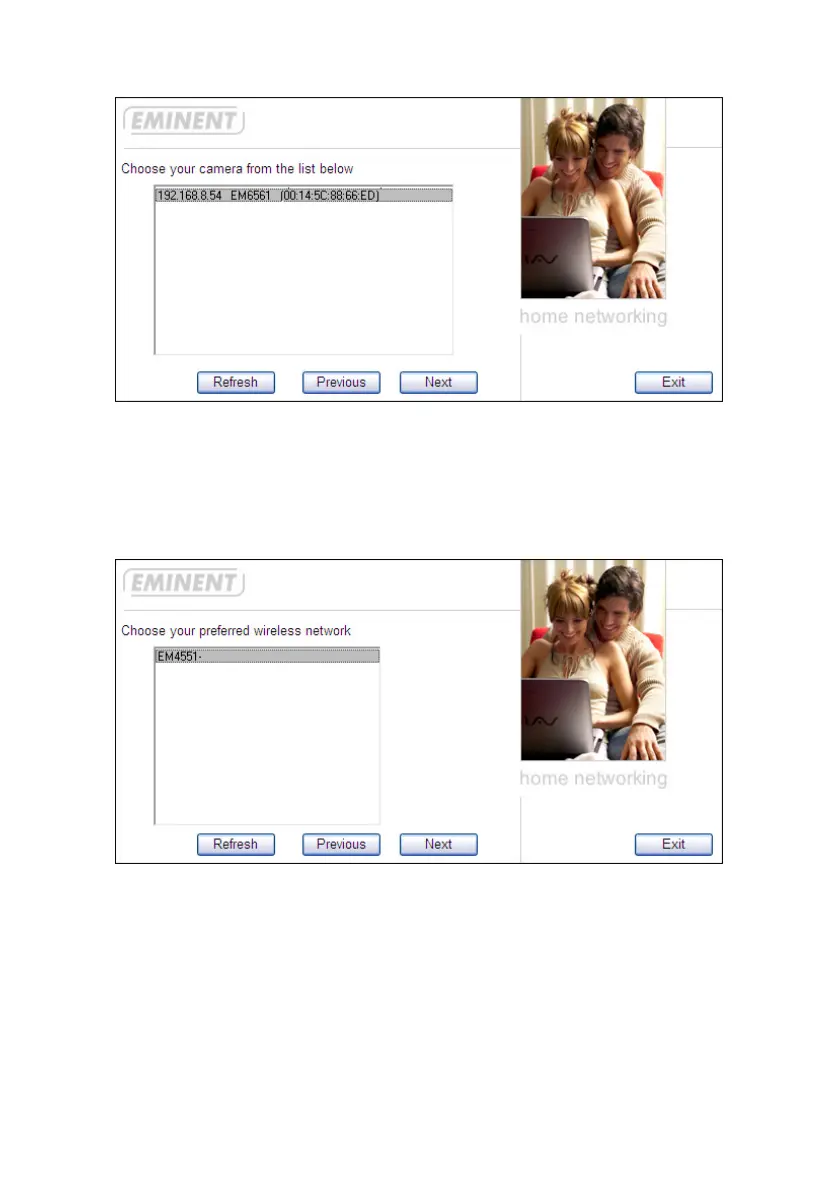
10. Click the IP-Address rule and click ‘Next’.
11. The software will start searching for wireless networks within range.
12. If correct, the SSID of your wireless network will be visible, as shown in the
following image:
Image 17
13. Click the correct SSID and click ‘Next’.
14. If your network has been secured, the correct security type will automatically be
shown, as shown in the following image:


 To Next Page
 Loading...
