8 | ENGLISH
Image 5
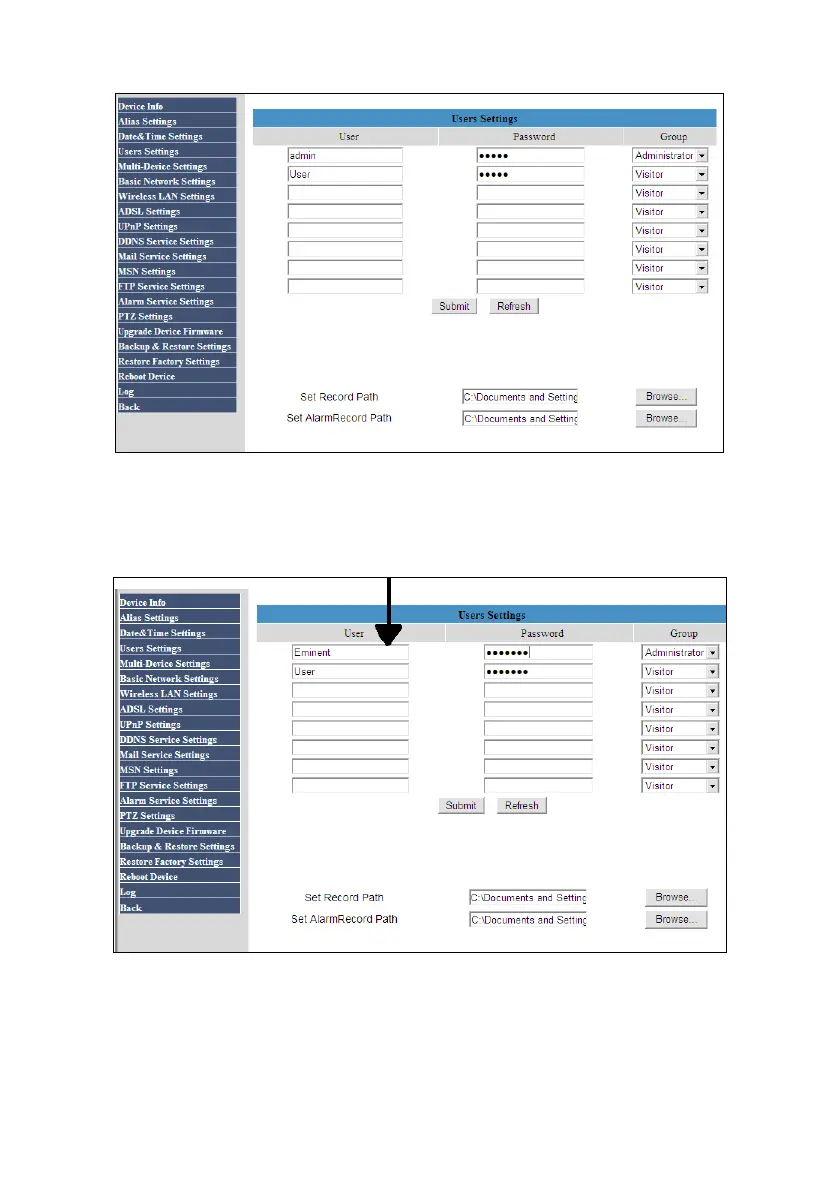
5. In order to change the current username and password, you can fill out another
username and password instead of the current username and password. In the
following image we have changed the username and password:
Image 6
6. Click ‘Submit’ after which the ‘Login’ screen appears. Fill out the new Username
and Password after which the camera will reboot and saves the new Username
and Password.



 To Next Page