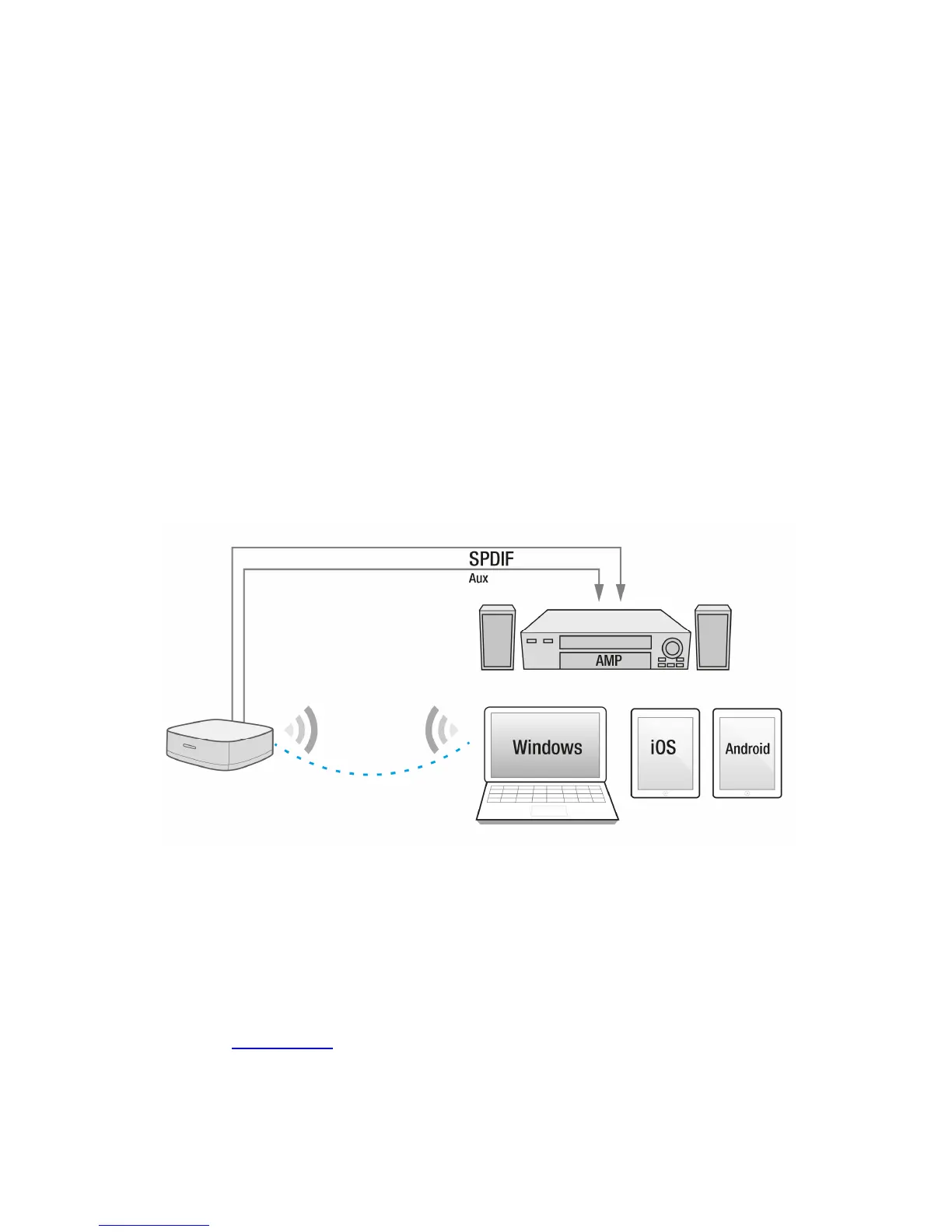
4.0 Connecting/Setup the EM7410 with your
WiFi device.
Before you can start streaming you first need to connect your
Smartphone/Tablet/PC/Notebook with the EM7410. To stream directly to the EM7410
you only need to follow chapter “Connecting to the EM7410”. If you wish to integrate
the EM7410 in your local network please follow chapter “Connecting to the EM7410”
and “Connect the EM7410 to your LAN”
4.1 Connecting to the EM7410
• Check if the Power LED of the EM7410 is lid.
• Connect your WiFi device to the WiFi network (SSID) of the EM7410 (The WiFI
network name can be found on the bottom label of the EM7410 SSID:
WiFi_Music_xxxx).
Now you are connected to the EM7410 you can start streaming your audio files. For
explanation on how to stream to the EM7410 Please refer to chapter “APP support”
4.2 Connect the EM7410 to your LAN
You can connect your EM7410 to your LAN so you can access it from anywhere within
your LAN.
• First make sure you are connected to the WiFi network (SSID) of the EM7410.
(see chapter “Connecting to the EM7410”).
• Open your browser.
• Enter
http://10.1.1.1 in the address bar of your devices browser.
• The following setup menu appears



 To Next Page