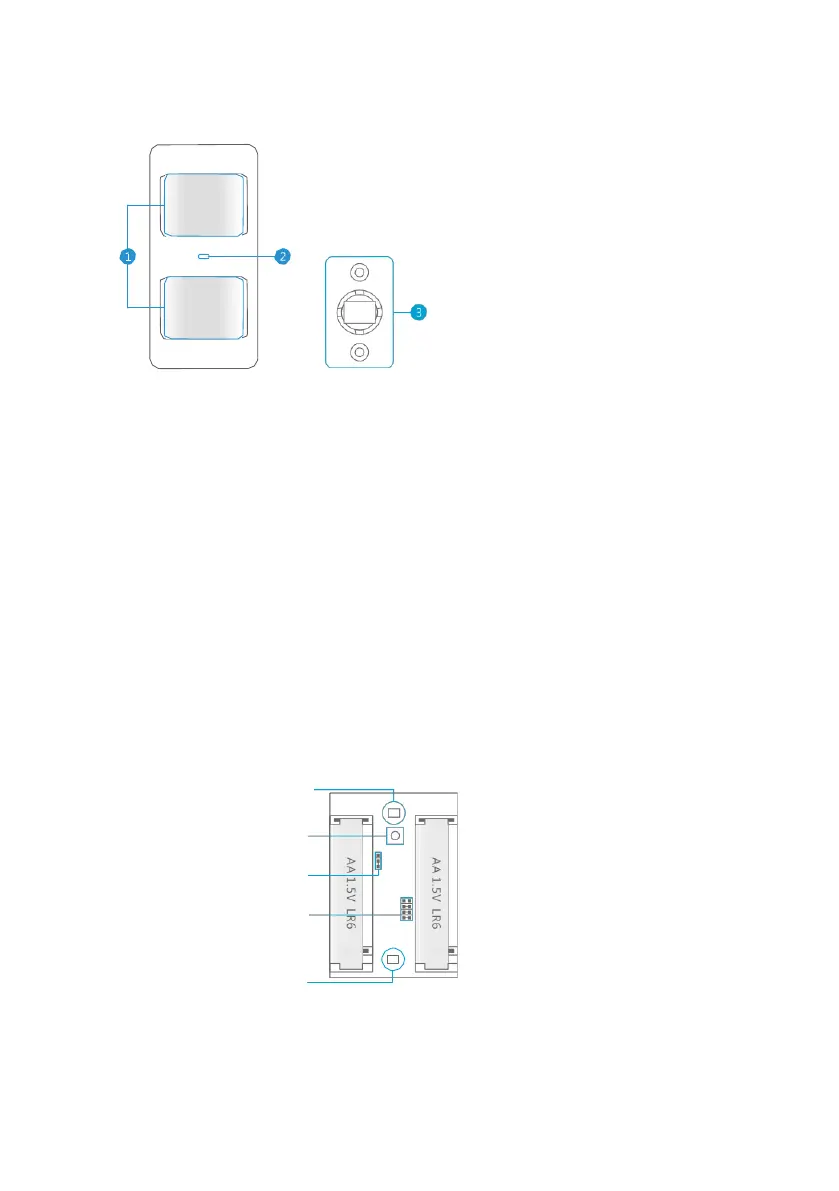
2.0 Front of motion detector
LED indicator :
Flashes continuously : Motion detector is performing a self-test
Flashes 1x : Motion detected
Flashes 2x : Self-test completed. Motion detector is active
Flash once per 3 seconds : Battery power low, exchange battery*
* You will receive a text message if battery level is low. The message contains the
following information (up to sensor 9) Sensor name with additionally the text ‘battery
almost empty’. From sensor 10 the name will be replaced by a zone nr. with
additionally the text ‘battery almost empty’.
3.0 Inside the motion detector
Remove the screw on top of the motion detector and gently remove the front and
back.
3.1 Infrared sensors
The infrared sensors detect the motion. These sensors need to be clean at all time.
Do no touch the sensors !
2. LED indicator
3. Mounting bracket
button
Downloaded from www.vandenborre.be



 To Next Page