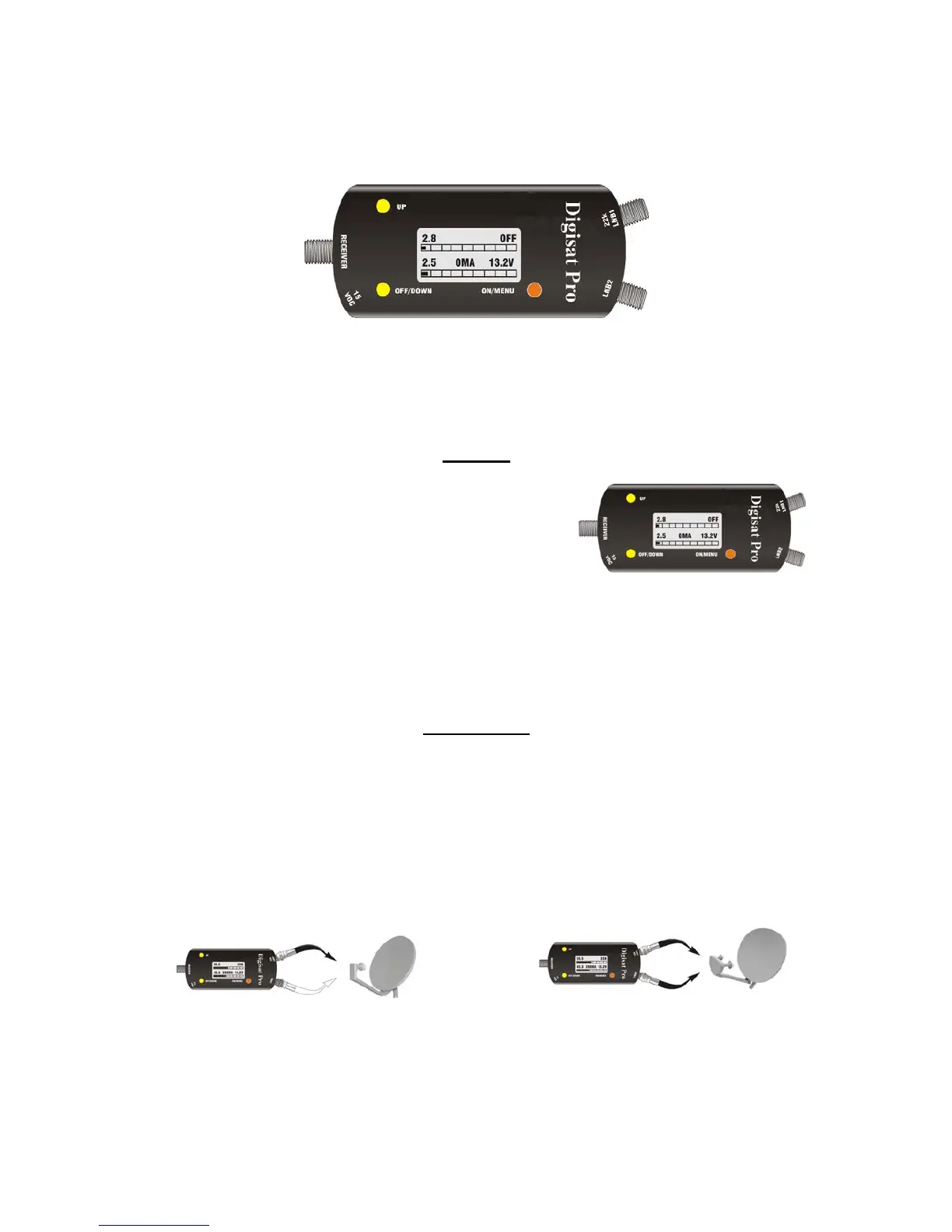
DIGISAT PRO by Emitor AB
The DIGISAT PRO from Emitor is designed to be an aid in aligning satellite antennas so they can provide
maximum performance.
.
Start-up
When the battery has been charged, press “ON/MENU” button and the
DIGISAT PRO will power up.
The signal strength (when connected to a dish) will be indicated by the
bar graphs and the digits just above each bar graph. As you move the
dish, you will see increase and decrease in signal strength. The
objective is to maximize the signal strength indicated on the bar
graph(s) by minor azimuth, elevation and rotation adjustment of the dish. When you have maximized the
readings, lock the dish mount bolts and re-attach the LNB connector to the coax or switches provided with the
antenna. Then check your effort with the satellite receiver.
Connections
Single or Dual LNB connections:
You can connect the DIGISAT PRO to a single or a dual LNB and read the satellite strength on either the top or
the bottom bar depending on which connection is attached.
Single LNB connection Dual LNB connection


 To Next Page