36
Operation Guide
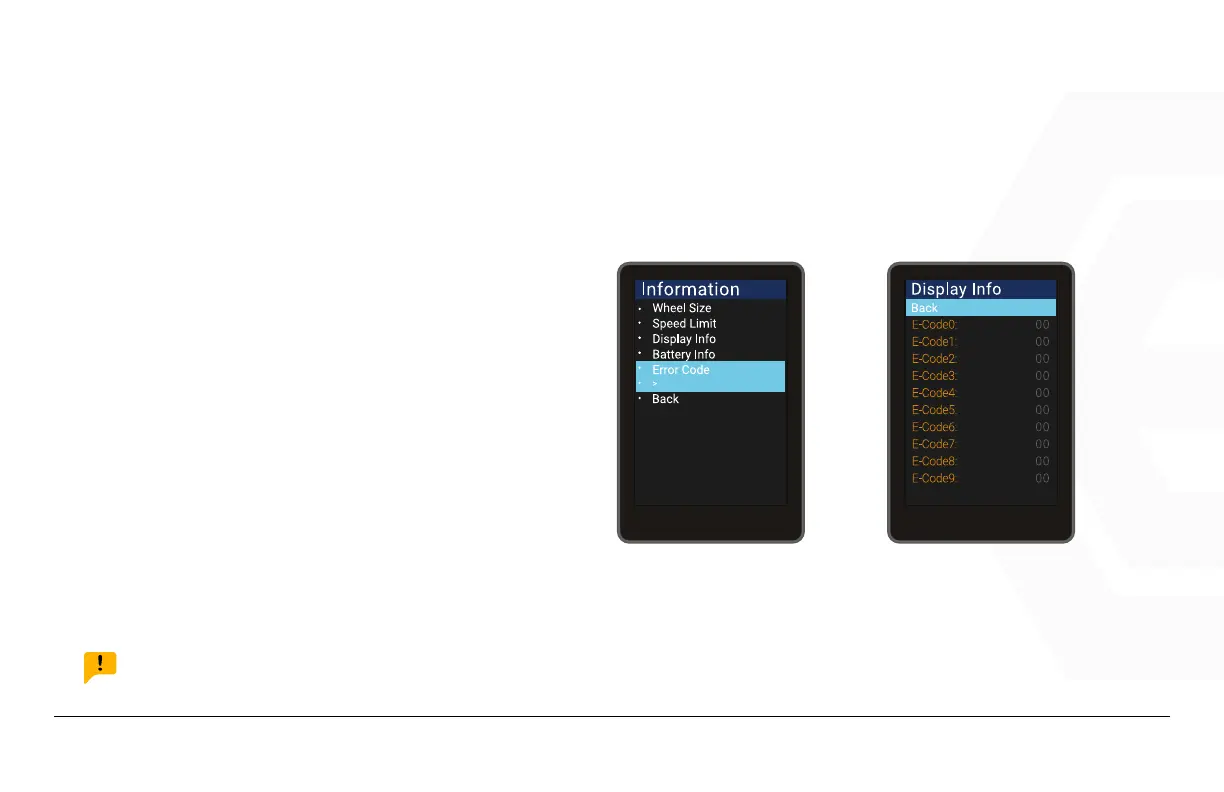
Error Code
Go to the “Information” menu, use the “+”
button or the “-” button to move the cur-
sor up and down. Select “Error Code” and
select the “ Back” to “Exit” to exit to the
main interface. “E-CODE 0” represents
the latest error message, and “E-CODE
9” represents the tenth error. The display
can record up to ten error, view them by
pressing “+” or “-”.
NOTICE:
The error code is “00” means that there is no error, please refer to the error code denition table for other codes.
1. Speedometer & Control
d� Function Summary
ERROR CODE



 To Next Page