3
Top Side – Buttons
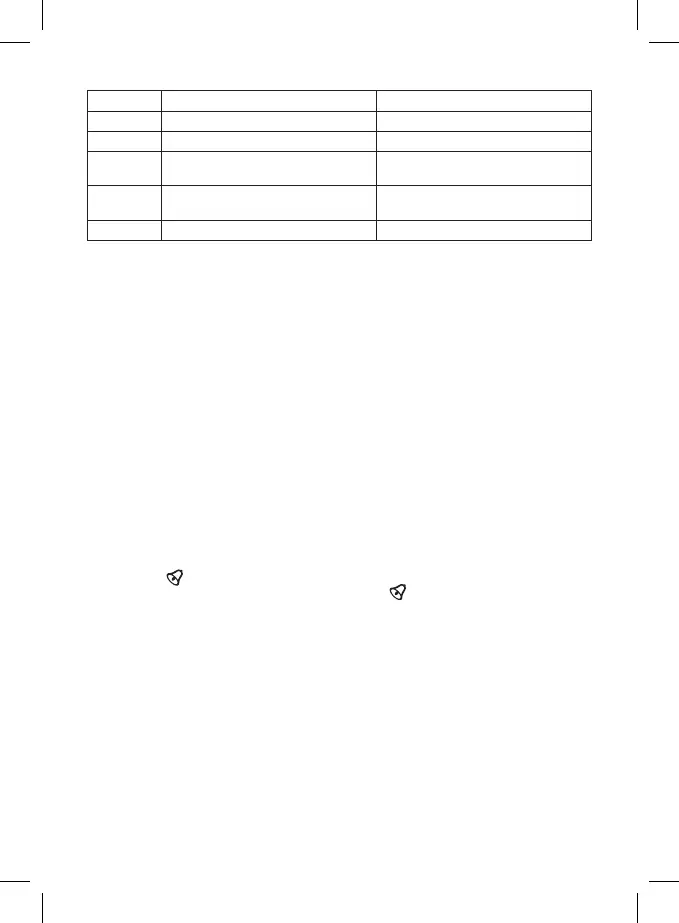
Button press Button hold
MODE Time/alarm display mode
SET °C/°F unit of temperature selection Time/alarm settings
UP
Display max./min. readings, 1 step
forward
Erase max./min. readings
DOWN
Display outdoor temperature/indoor
humidity/1 step back
SNZ Activate snooze (postpone alarm)
Getting Started
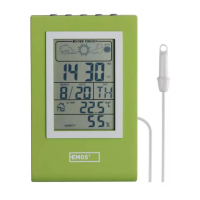
1. Insert batteries (2× LR1130) into the battery compartment on the back of the weather station.
The battery compartment is protected by a screw; use a suitable screwdriver.
2. When inserting the batteries, make sure the polarity is correct to avoid damaging the weather
station.
3. Only use alkaline batteries of the same type.
4. To measure outdoor temperature, lead the probe out through a window that is not frequently
used. Frequent opening may damage or destroy the probe. The outdoor portion of the wired
temperature probe must be anchored so as to prevent its tearing o in the wind.
5. If the screen is dicult to read, change the batteries.
Manual Time Setting
1. Long press the ALARM button while in clock mode.
2. Use the UP and DOWN buttons (holding the button accelerates settings) to set the time format
(12/24 h) – hour – minute – year – month – day – daylight saving time (ON/OFF).
3. Use the SET button to move between the menu items. To complete your setting, press MODE.
Alarm Settings
1. Use the MODE button to enter alarm mode (ALARM displayed on the screen).
2. Long-press the SET button.
3. Use UP/DOWN to set the alarm time and time delay for the snooze function.
4. Press the SET button to move between the menu items.
5. Conrm your settings by pressing MODE (ALARM appears on the screen) and then UP to activate
the alarm (
icon appears on the screen).
6. Press the UP button again to deactivate the alarm; the
icon disappears.
Snooze Function
You can postpone the ringing of an alarm by pressing the Snooze button (SNZ) located on the top
of the weather station.
Press the button when the alarm starts ringing. Zz icon will start ashing on the screen.
To cancel the snooze function, press any button on the top side – the alarm icon stops ashing and
remains displayed. The alarm will be re-activated the next day.
Indoor and Outdoor Temperature, Indoor Humidity, Unit of Temperature
Indoor temperature is displayed in eld F.
Outdoor temperature and indoor humidity are displayed in eld G; you can switch between them by
pressing DOWN.
Use the SET button to switch between °C/°F unit of temperature.
Maximum and Minimum Temperature and Humidity
Maximum and minimum readings of indoor and outdoor temperatures and indoor humidity are auto-
matically recorded in the station‘s memory.
Press the UP button once to display the maximum reading (MAX).


 To Next Page