3
Inserting Batteries
1. Remove the battery cover on the back of the device.
2. Insert a single 1.5 V AAA battery. Make sure to observe the correct
polarity of the batteries according to the drawing at the bottom of
the battery compartment. Use alkaline batteries only. Do not use
rechargeable batteries.
3. Close the battery compartment.
Outdoor and indoor temperature/indoor humidity
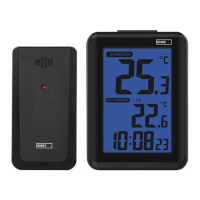
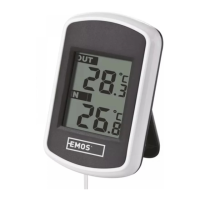
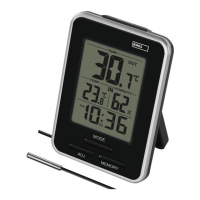
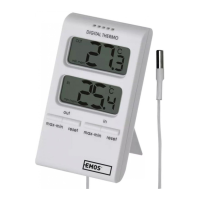
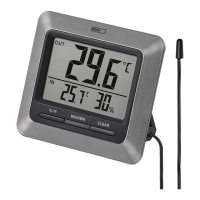
1. Outdoor temperature value is shown in the top half of the display
in the OUT eld.
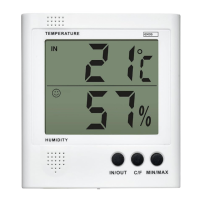
2. Indoor temperature value is shown in the bottom half of the display
in the IN eld.
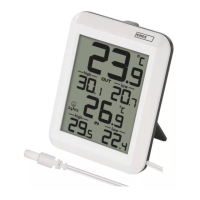
To measure outdoor temperature, pull the wire probe underneath a window
which is not frequently used.
With frequent opening, the wire probe may be damaged or destroyed.
The outdoor portion of the temperature wire probe must be anchored so as to
prevent its tearing o in the wind.
Changing Temperature Units °C/°F
Repeatedly pressing the °C/°F button changes the display between °C or °F units.
Recording Maximum and Minimum Temperature/
Humidity
The thermometer automatically records the values of maximum and minimum
measured temperature and humidity.
Repeatedly pressing the MAX/MIN button will display the measured values.
Pressing the CLEAR button while in the MAX/MIN display mode will erase
the memory.
Care and Maintenance
The product is designed to provide trouble-free service for many years if used
appropriately.
Here is some advice for proper operation:
Read the manual carefully before using this product.
• Do not expose the product to direct sunlight, extreme cold and
moisture, and sudden changes in temperature.
• This would reduce accuracy of detection.
• Do not place the product in locations prone to vibration and shocks
– these may cause damage.


 To Next Page