4
Thermostat Installation
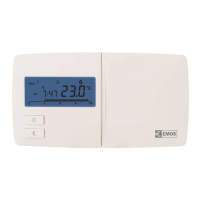
The rear of the thermostat carries 4 openings for mounting onto a wall.
Use the enclosed screws and wall plugs to mount the thermostat.
Wiring Diagram
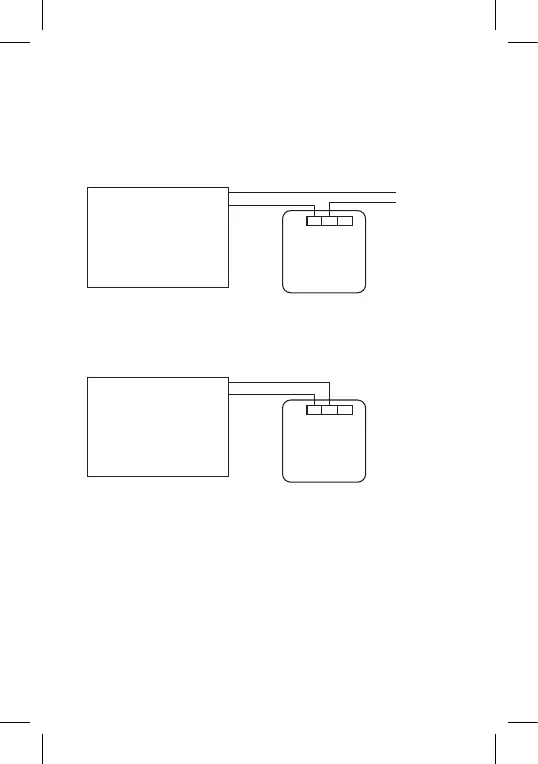
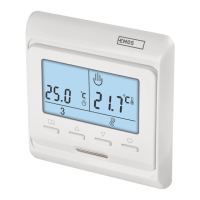
Voltage connection diagram for connecting thermostat P5604 to
a boiler with "NO" outlet:
Max. 230 V 8(2) A
230 V~N
N
L
L
NO NCCOM
Heating device requiring
230 V power supply,
e.g. central heating pump. Thermostat
* When connecting a cooling device to the thermostat, connect the "L"
phase conductor to the "NC" terminal.
Zero-voltage connection diagram for connecting thermostat P5604
to a boiler with "NO" outlet:
Max. 230 V 8(2) A
NO
COM
NO NCCOM
Heating device requiring
zero-voltage contact,
e.g. gas boiler. Thermostat
Putting into Operation
1. Remove the front portion of the thermostat and insert 2× 1.5 V AAA
batteries. Use alkaline batteries only, not rechargeable ones.
2. Replace the front of the thermostat.
3. The thermostat now has an active display and is operational.
If the thermostat is not working properly, please check the polarity of the
batteries, whether they are suciently charged, or reset the thermostat
by removing the batteries.
Choosing Operating Mode (Heating, Cooling, Anti-Freeze
Temperature)
1. Press and hold the control wheel for 5 seconds to enter mode
settings.
2. Turn the control wheel to select one of the following modes:



 To Next Page