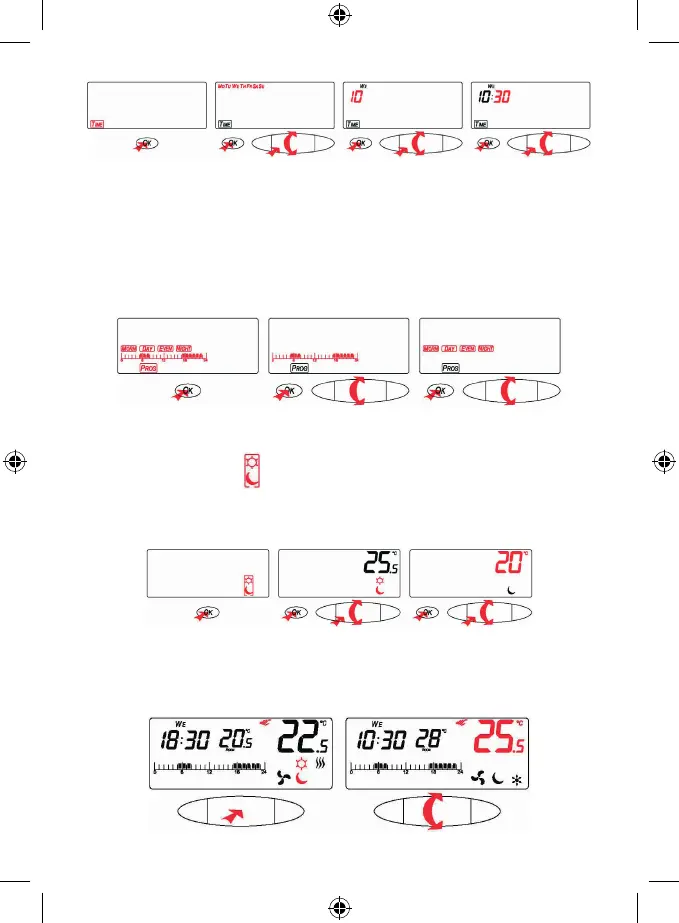
7
Program Selection
The thermostat enables to set two basic operating modes:
1. 24-hour day program (set in hourly steps)
2. The day program has 4 periods (morning, day, evening, night)
By the thumb-wheel select the PROG icon (with the illustration of the time line 0–24 hrs/4 periods: MORN – DAY –
EVEN NIGHT) and press OK.
By the thumb-wheel select one program and conrm by pressing OK.
Temperature Setting for Day (Comfort) / Night (Cost-Saving) Mode
(This setting is active within the 24-hour day program only).
By the thumb-wheel select the icon
day / night and press the OK button.
By pressing the thumb-wheel you can switch over between the icon of sun (comfort temperature) and moon (cost-
saving temperature).
By turning the thumb-wheel you can set the temperature. Conrm by pressing OK or pressing the thumb-wheel.
Manual Temperature Change
To change the mode within the 24-hour program you either press the thumb-wheel to select the preset temperature
Day (comfort) / Night (cost-saving) or by the thumb-wheel you change the temperature to the desired level without
switching over between the icons.
There will be an icon of hand on the display.


 To Next Page