13
• allows setting up to 6 time periods for both types of days
• 6+1 (Mon -> Sat + Sun)
• allows setting a xed temperature for 6 days (Monday to Saturday) +
Sunday
• allows setting up to 6 time periods for both types of days
• 7 days
• allows settings a xed temperature for 7 days
• allows setting up to 6 time periods for both types of days
The time periods are set on the „Weekly Programme Settings“ screen in EMOS
GoSmart. For each time period, set the temperature that the thermostatic head
should set from the time you specify in the time period settings. The temperature
you have set will remain active until the next time period.
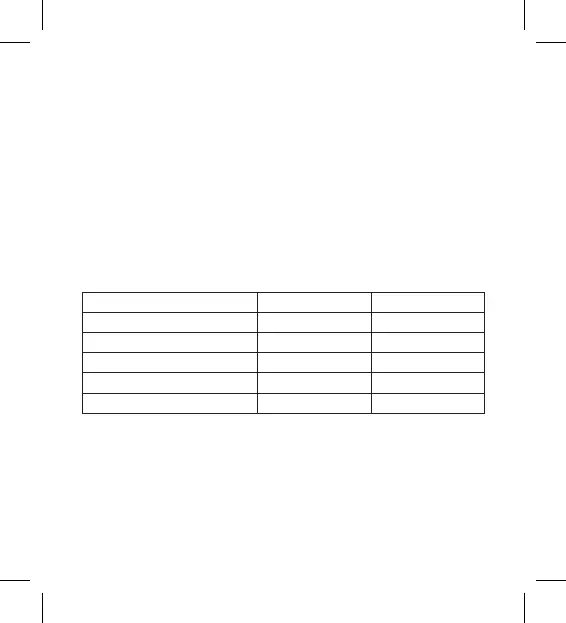
Example: If you set time periods in line with the table below, room temperature will
be 16 °C from 3:00 to 6:00, then 20 °C from 6:00 to 9:00, 17 °C from 9:00 to 12:00,
19 °C from 12:00 to 14:00, 23 °C from 14:00 to 22:00 and 17 °C from 22:00 to 3:00.
1st time period 3:00 16 °C
2nd time period 6:00 20 °C
3rd time period 9:00 17 °C
4th time period 12:00 19 °C
5th time period 14:00 23 °C
6th time period 22:00 17 °C
Advanced Settings
Temperature Calibration
• The temperature sensor that detects ambient temperature is located in
the body of the thermostatic head which is mounted onto the radiator. The
measured temperature may therefore be higher than the temperature in
other parts of the room.


 To Next Page