5
Hold the „SET/OK“ button for 3 seconds. „DUAL TARIFF“ will start blinking. Again press
„SET/OK“ – use the „HISTORY“ button to change the number, then press „ENERGY/+“ or
„COST/-“ to set arange between 0.00 EUR/kWh and 9 999 EUR/kWh; you can move between
numbers using the „HISTORY“ button. Finally, press „SET/OK“ to conrm the set values.
2.1 Setting power current tari 1 time
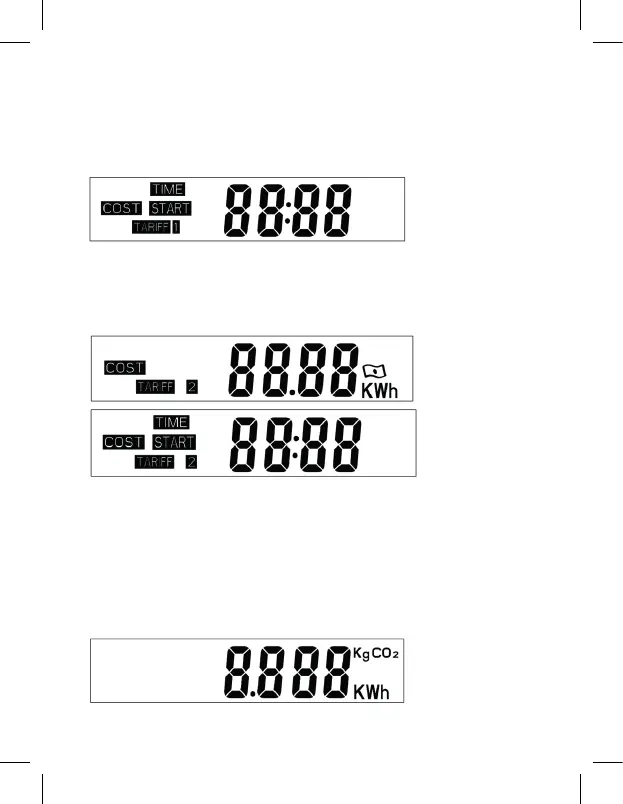
After setting the tari values, the screen will show „TIME START“
Press the „HISTORY“ button and select which value you want to change. By pressing
„ENERGY/+“ or „COST/-“, you can increase or decrease the values. When you are done,
press „SET/OK“.
2.2 Setting power current tari 2
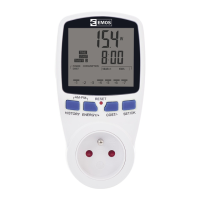
To set up power current tari 2, proceed as described in points 2 and 2.1
Note:
If dual tari is set, tari 1 will start from the set time and turn o when the set time for
tari 2 comes. Current tari 2 will end the moment tari 1 begins.
3. Overload settings
Hold the „ENERGY/+“ button for 3 seconds; the top left corner of the screen will now
display „OVERLOAD“. Then, using the „HISTORY“ button, move between values and set the
maximum load. The default setting is 3 680 W. You can save the settings by pressing „SET/
OK“. After exceeding the set value, the „OVERLOAD“ sign will start blinking.
4. Setting CO
2
:
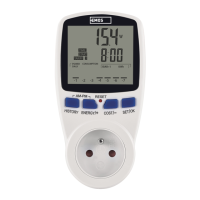
Keep pressing „COST/-“ until you reach the following screen.


 To Next Page