Focus
ㆍEnter [Settings] -- [Focus]
ㆍSelect [Auto], the screen will automatically clear.
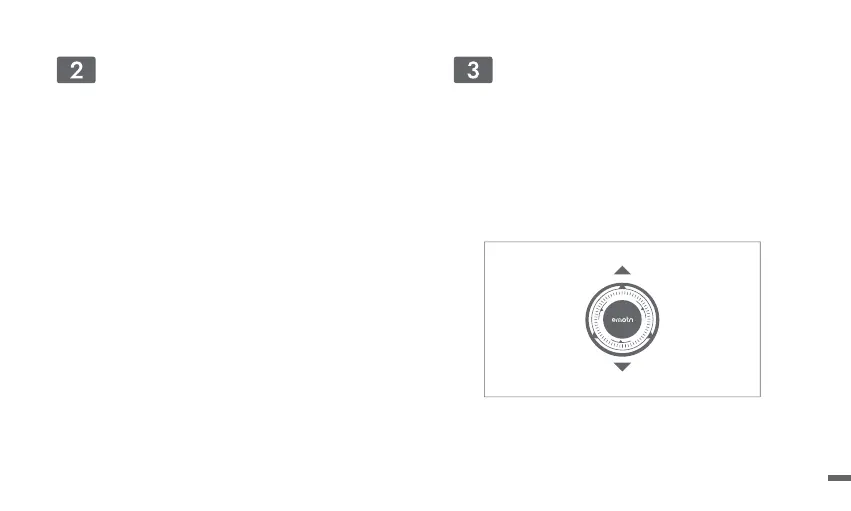
ㆍSelect [Manual], press the remote control up/down button of
the navigation key to adjust the focus according to the
display screen. When the screen is clear,stop the operation.
Network
ㆍEnter [Settings] -- [Network]
ㆍSelect the wired network or Wi-Fi.
Manual Focus
07



 To Next Page