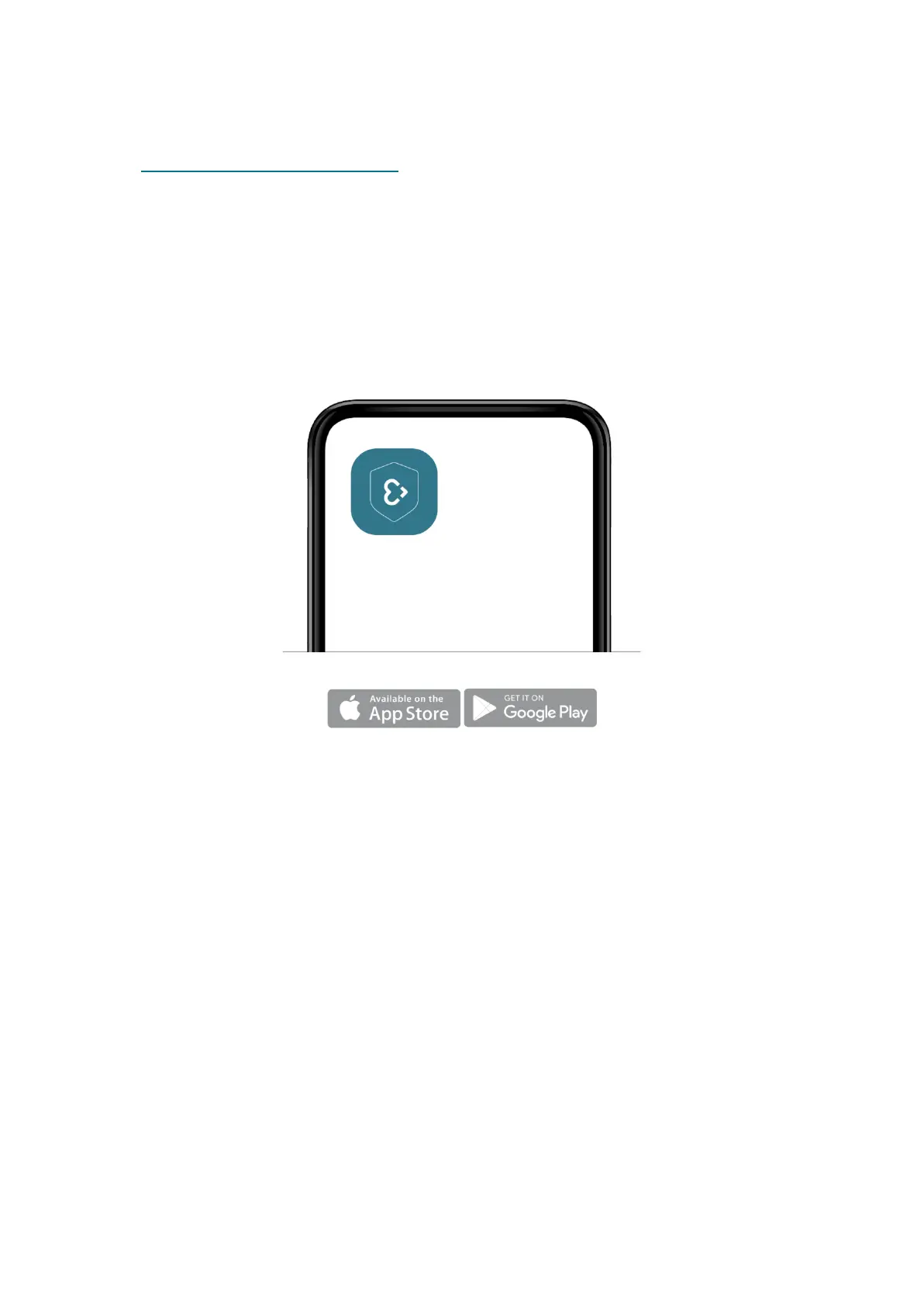
Visit empatica.com/start-care, or open the store on your smartphone
(App Store if iOS, Play Store if Android) and search for ‘Empatica Care’.
Tap on ‘Get it’ or ‘Download’ to start the download process.
STEP 2: OPEN THE CARE APP
Open the Care App by tapping its icon on the companion device.
If you are using a provisioned device and cannot locate the app, connect
the device to the internet, and it should download automatically.


 To Next Page