4. Troubleshooting
Not recording - Memory Full
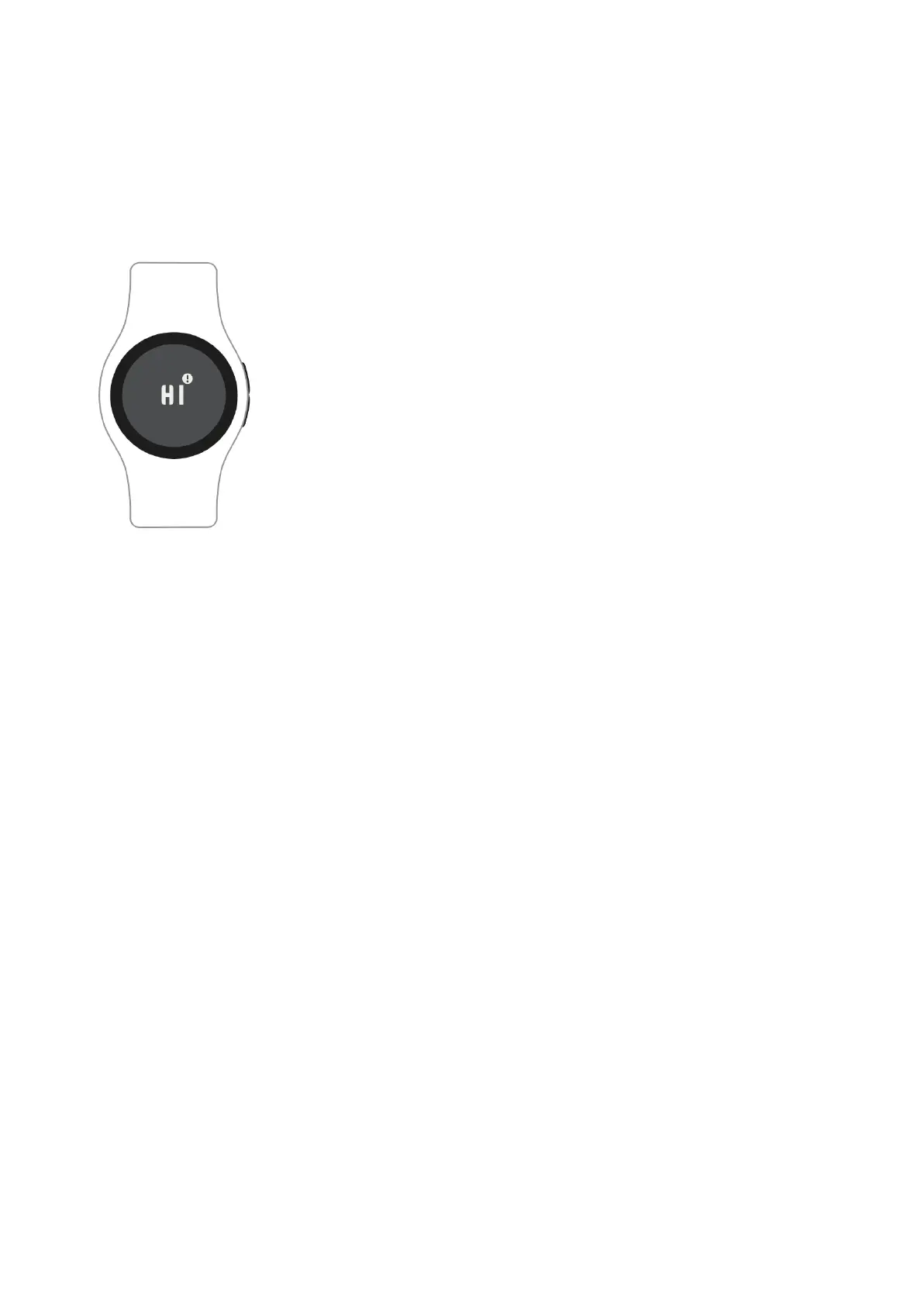
When the display background is dark and an ‘M’
appears, the EmbracePlus memory is full of already
recorded data, and it has stopped recording new
data. A full memory occurs when the EmbracePlus is
disconnected from the companion app/system for
several hours and is unable to synchronize data.
Make sure Bluetooth is turned on and the companion app/system is within
the Bluetooth range (10 meters / 30 feet) to connect the EmbracePlus.
Once the Bluetooth connection is re-established, your EmbracePlus will
restart data synchronization and record new data.


 To Next Page