Standard User Controls
Throughout the operation of the unit the various modes and parameter
settings are all accessed and changed by touching the relevant buttons
displayed on the touchscreen.
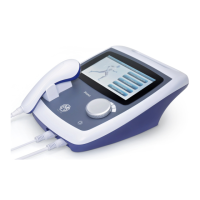
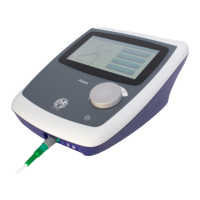
The rotary control is used to increase and decrease stimulation intensity
when a stimulation screen is selected.
In Interferential 4-pole mode it controls the overall Stimulation intensity, in
all other stimulation modes it is possible to independently control the levels
of channels A and B by touching the appropriate selection button (In the
‘Output’ screen touching both will latch them on to allow simultaneous
control of both channels).
On most display screens touching the ‘back’ arrow icon in the top left
corner will return the user to the last screen displayed and touching the
‘House’ icon in the top right corner will return the display to the main ‘Home’
screen.
Stimulator set-up
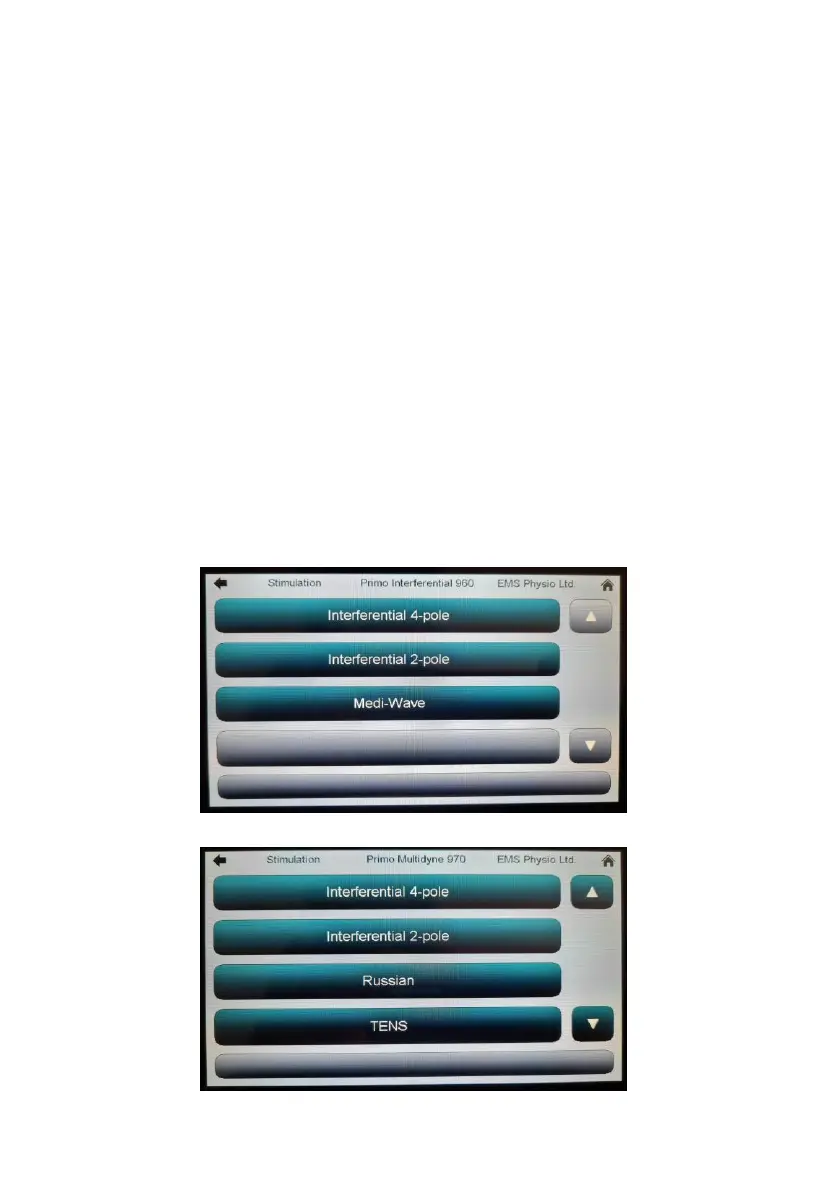
Touching the ‘Interferential’ button on the 960 Home screen will open this
screen –
Touching the ‘Stimulation’ button on the 970 Home screen will open this
screen –


 To Next Page