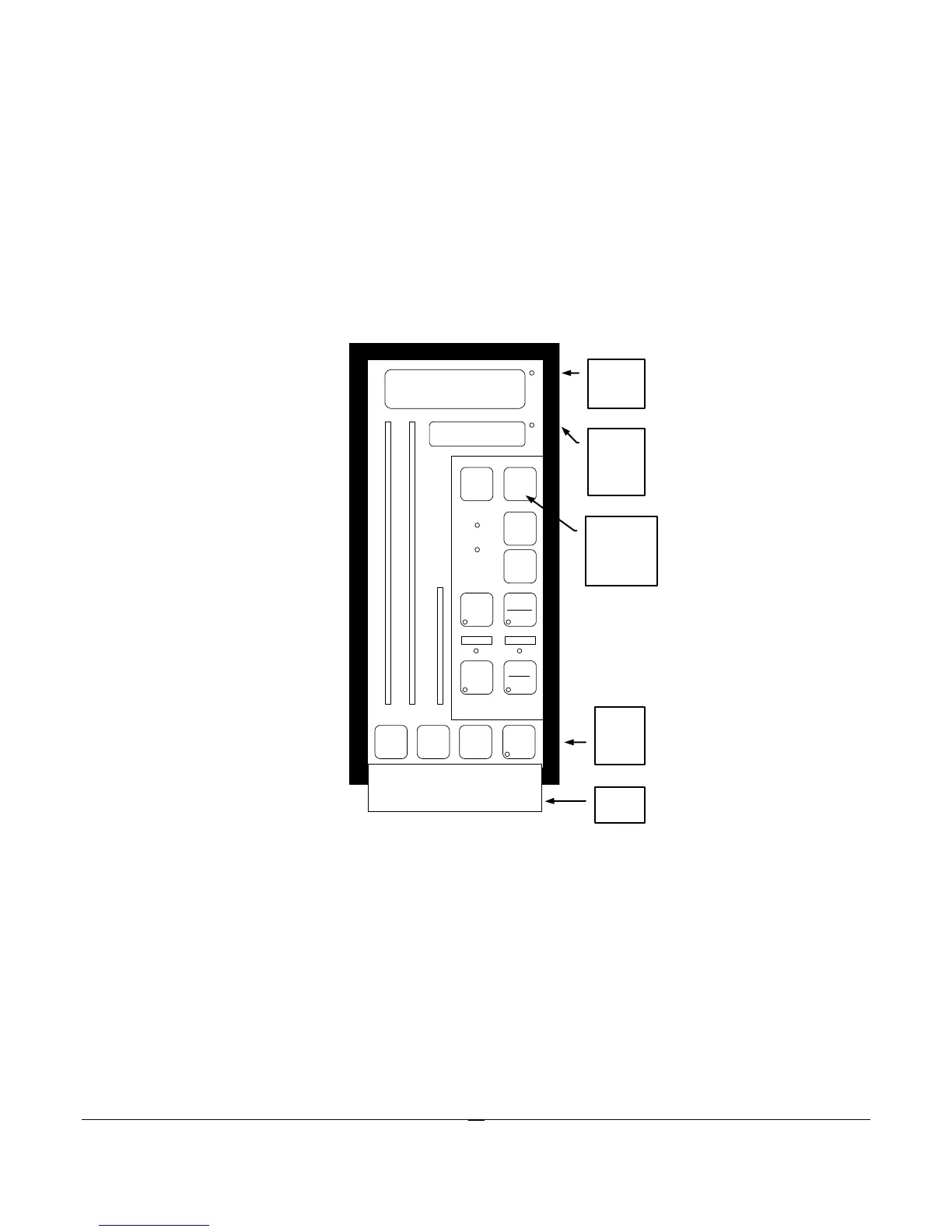
Changing communication settings:
Press EDIT (ESC) button, Scroll down EDIT to COM MENU, press ENTER, at COM PORT press
ENTER set to 1 for Modbus then press EDIT (ESC) button it will return to COM Port. (Note: controllers will
automatically choose Modbus when the RS 232 port is not in use.)
Press the EDIT to go to Address press ENTER and use the EDIT down or up arrow to go to the address
number assigned to this controller (default is 1), press EDIT (ESC) to return to Address.
Continue as above until all settings are as desired.



 To Next Page