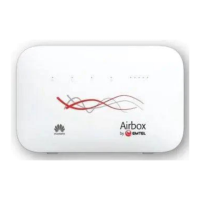
4. How to fix my LTE connectivity?
Power Adaptor (Not recommended: multi-plug or electrical power socket)
Cable (if cable is properly plug-in the modem)
If connected by Lan/ Wi-Fi (Check SSID* Authentication on device)
*SSID = Name of the Emtel Device, e.g. “Airbox” or “Huawei”
Reset Router (by either Option 1 or 2 below)
Hard Reset > by inserting a pin at the back of the modem (Settings change to default)
Switch On/ Off > by using power button (Settings remain unchanged)
6



 To Next Page