EasyManua.ls Logo

EMX CarSense 101 - User Manual

EMX CarSense 101
15 pages
Print Icon
To Next Page IconTo Next Page
Loading...
O P E R A T I N G I N S T R U C T I O N S
Operating Instructions
4564 Johnston Parkway, Cleveland, Ohio 44128
P. 800 426 9912 F. 216 518 9884
Sales Inquiries: salessupport@emxinc.com
Technical Support: technical@emxinc.com
www.emxinc.com
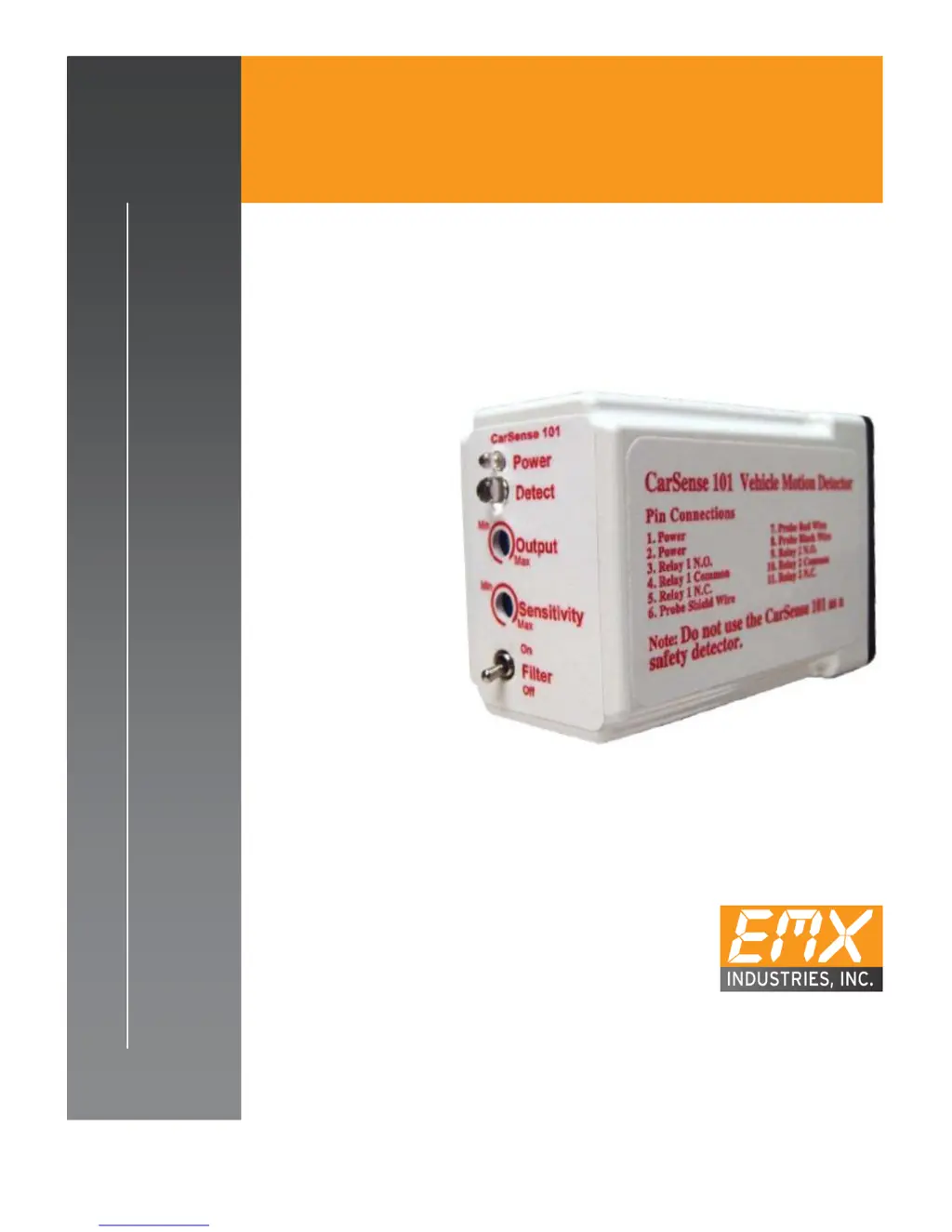
CarSense101
V E HI C L E M OT I O N D E T E C T O R

Questions and Answers

  • J
    John HamptonJul 27, 2025
    Why are my EMX Security Sensors false triggering?
    • L
      Lindsay ZimmermanJul 27, 2025
      If your EMX Security Sensors are experiencing false triggering, it could be due to several factors. First, ensure the earth ground connection to the CS101 and the probe shield is secure; reconnect if necessary. Inspect the area around the probe for any moving metal objects like signs or fences. Disconnect the probe wires to see if the false triggering stops; if it does, check the probe. If issues persist, disconnect the power, temporarily connect a 9V battery, and wait 5 minutes for stabilization. Consider using a separate power supply (120VAC to 12V converter, min. 100ma). Also, inspect the probe's environment for moving metallic objects, electrical power lines, electric motors, or high-power lighting.
  • M
    Matthew JonesAug 7, 2025
    What to do if my EMX CarSense 101 have no detection?
    • M
      Michael SantosAug 7, 2025
      If your EMX Security Sensors aren't detecting anything, start by checking if the detection LED turns on. If it does, inspect the relay output and related connections. Then, verify that the green LED is on; if not, check the supply voltage using a DVM. Ensure the voltage is within 9 – 41VDC or 6-29 VAC. The issue may also be related to a failed relay.
  • S
    Scott WilliamsAug 16, 2025
    How to fix EMX CarSense 101 with no output but red LED?
    • J
      Jessica TorresAug 16, 2025
      If your EMX Security Sensors show a red LED indicating detection but there's no output, start by disconnecting the output contacts from the operator. You can also connect a DVM, set to read ohms, to the COM and N.O. contacts; the DVM should read open (infinity) if the relay hasn't failed.

Summary

Cautions and Warnings

Product Overview

Specifications

Operation and Controls

Controls and Indicators

Details the unit's controls, indicators, and adjustment potentiometers.

Connections

Troubleshooting

Installation

Power Supply and Probe Placement

Covers power requirements, probe burial depth, and placement guidelines.

CS101 Module Considerations

Addresses sensitivity to magnetic fields and proximity to electrical devices.

Ordering Information

Warranty Information

EMX CarSense 101 Specifications

General IconGeneral
BrandEMX
ModelCarSense 101
CategorySecurity Sensors
LanguageEnglish

Related product manuals