EasyManua.ls Logo

EMX NIR-50 - User Manual

EMX NIR-50
8 pages
Print Icon
To Next Page IconTo Next Page
Loading...
O P E R A T I N G I N S T R U C T I O N S
Operating Instructions
4564 Johnston Parkway, Cleveland, Ohio 44128
P. 800 426 9912 F. 216 518 9884
Sales Inquiries: salessupport@emxinc.com
Technical Support: technical@emxinc.com
www.emxinc.com
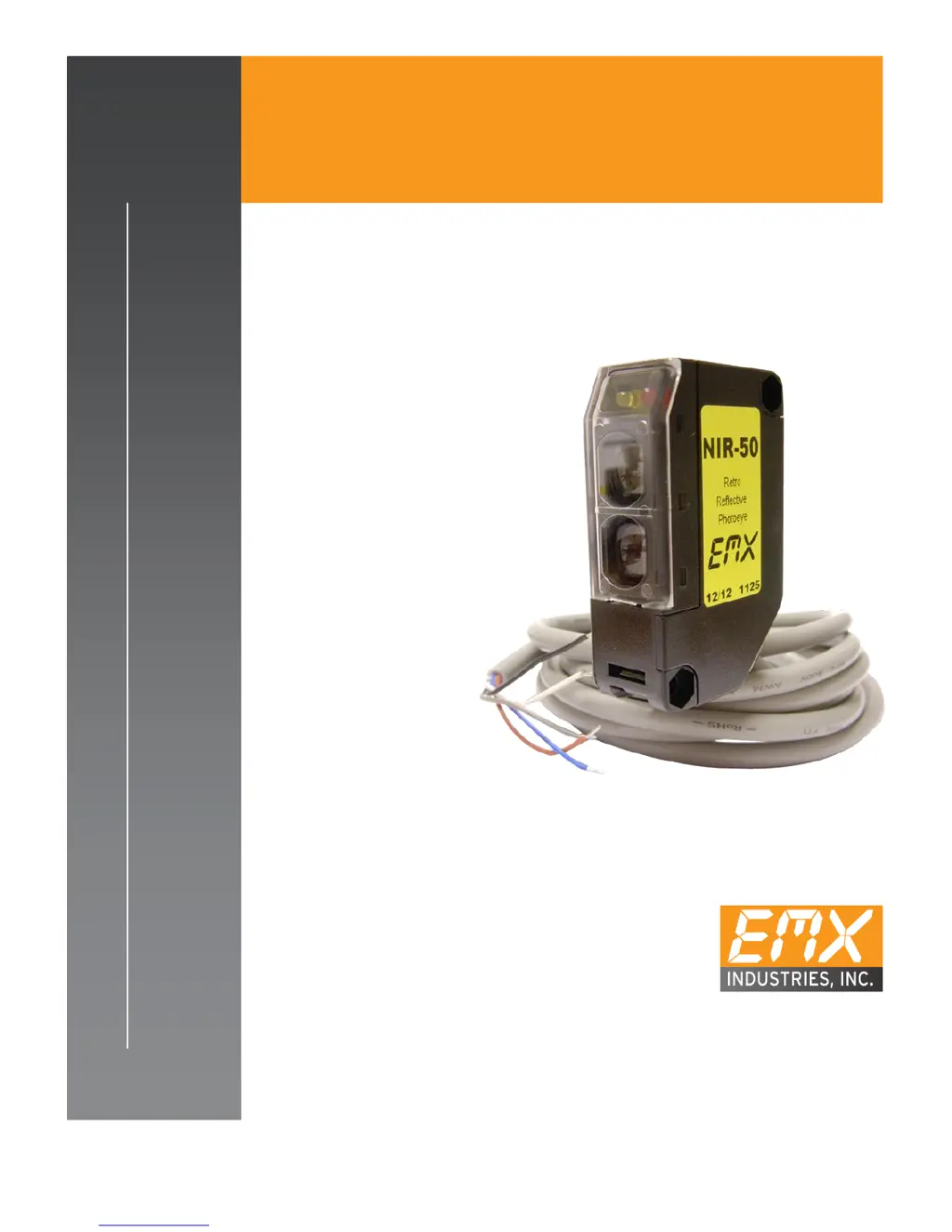
NIR-50
U L 3 2 5 N O N - C O M P L I A N T
RETROREFLECTIVE PHOTOEYE

Questions and Answers

  • R
    Robert GrayAug 3, 2025
    What to do if EMX NIR-50 has no detection?
    • C
      Charles CollinsAug 3, 2025
      If your EMX Accessories unit isn't detecting anything, first ensure the unit is receiving power. Also, inspect the surrounding area for any reflective surfaces that might be causing signal interference.
  • R
    Ronald HarrisAug 13, 2025
    What to do if EMX Accessories has no output?
    • R
      rharrisAug 13, 2025
      If your EMX Accessories unit provides no output, start by checking the power supply and wiring according to the chart on page 2. Then, verify all connections are secure and that no wires are broken. Finally, ensure the unit is correctly wired to the appropriate inputs on the operator.
  • C
    Cynthia PerkinsAug 22, 2025
    Why does my EMX NIR-50 unit stay in detect?
    • A
      Alexander TorresAug 22, 2025
      If your EMX Accessories unit remains in the detect state, first verify its alignment. Next, check the reflector for any dirt, dust, snow, or water and clean the surface if needed. If water is inside the reflector, replace it. If these steps don't resolve the issue, consider adding Reflector 0-HD.

Summary

Cautions and Warnings

Product Overview

Specifications

Controls and Indicators

Connections

Troubleshooting

Installation

Ordering Information

Accessories

Warranty

EMX NIR-50 Specifications

General IconGeneral
BrandEMX
ModelNIR-50
CategoryAccessories
LanguageEnglish

Related product manuals