EasyManua.ls Logo

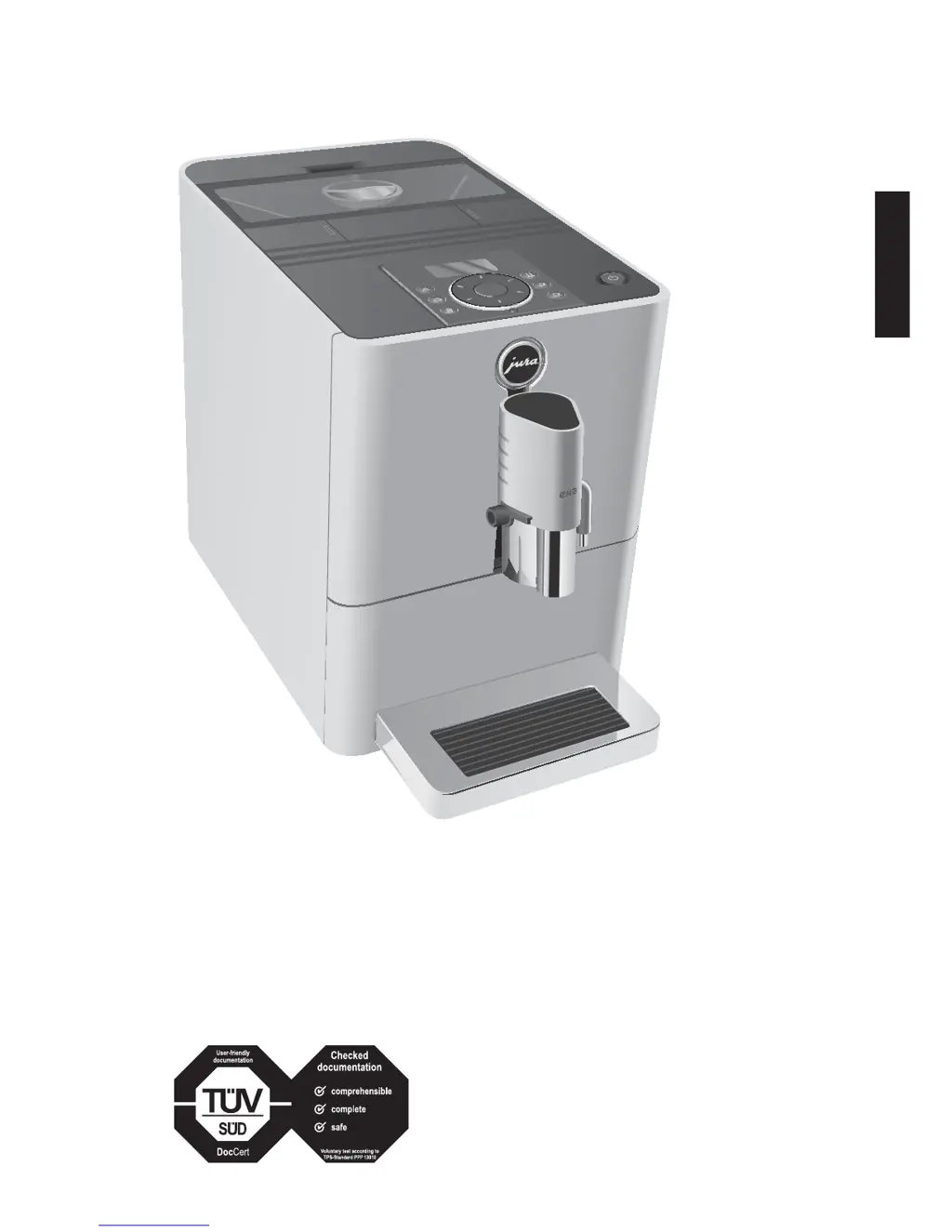
ENA Micro 9 One Touch - User Manual

Default Icon
28 pages
Print Icon
To Next Page IconTo Next Page
Loading...
pt
es
nl
it
fr
ru
en
de
The Instructions for Use has been awarded the seal of
approval by the independent German Technical
Inspection Agency, TÜV SÜD, due to its easy-to-
understand style, its thoroughness and coverage of
safety aspects.
micro 9
Instructions for use for ENA Micro 9 One Touch

Questions and Answers

  • M
    Michael FrazierJul 27, 2025
    What to do if coffee only comes out in drips from my ENA Coffee Maker?
    • R
      Rebecca MoonJul 27, 2025
      If coffee is only dripping during preparation, it's likely that the coffee or ground coffee has been ground too finely, blocking the system. Adjust the grinder to a coarser setting.
  • C
    Cheyenne YoungAug 2, 2025
    What does ERROR 2 mean on my ENA Micro 9 One Touch and how to fix it?
    • B
      brooke14Aug 2, 2025
      ERROR 2 indicates that the machine was exposed to cold for too long, disabling heating for safety. To resolve this, warm the machine at room temperature.
  • E
    Erin MillerAug 8, 2025
    Why is the water hardness not adjustable on my ENA Micro 9 One Touch?
    • D
      Daniel ConnerAug 8, 2025
      The water hardness cannot be adjusted because the CLARIS Blue filter cartridge is activated. Deactivate the CLARIS Blue filter cartridge in programming mode.
  • R
    Robert Bowers IIAug 13, 2025
    What to do if the water tank float is displayed on my ENA Micro 9 One Touch Coffee Maker even though the tank is full?
    • M
      Maria AguirreAug 13, 2025
      If the water tank float is displayed even when the tank is full, the float is likely trapped. Descale the water tank.
  • M
    michael58Aug 19, 2025
    How to resolve insufficient foam or milk spraying from the dual spout of my ENA Coffee Maker?
    • J
      Justin FrenchAug 20, 2025
      To fix insufficient foam or milk spraying, dismantle and rinse the dual spout.

Summary

Important information

Proper use

Explains the intended use of the machine and general precautions.

For your safety

Lists critical safety warnings and precautions to avoid hazards.

Preparing and using for the first time

First-time use with filter cartridge activation

Details on activating and using the machine with a filter cartridge.

Determining the water hardness

How to check and set the water hardness level for the machine.

First-time use without filter cartridge activation

Steps for initial machine operation without a filter cartridge.

Preparation

Permanent settings in programming mode

Setting the water hardness

How to adjust and save water hardness settings.

Maintenance

Descaling the machine

Process for removing limescale buildup from the machine.

Transport and environmentally friendly disposal

ENA Micro 9 One Touch Specifications

General IconGeneral
BrandENA
ModelMicro 9 One Touch
CategoryCoffee Maker
LanguageEnglish