28
To stop charging, send a STOP command from your vehicle, then disconnect your vehicle
from the JuiceBox.
4. Charging your vehicle
4.1. Connect&Charge mode
This section describes how to charge a vehicle with a JuiceBox set in Connect&Charge
mode.
To sta charging, connect your vehicle to the JuiceBox:
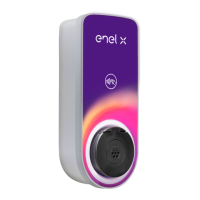
> Cable version: Connect the JuiceBox charging cable to your vehicle
> Socket version: Connect your charging cable to the JuiceBox socket and to your vehicle
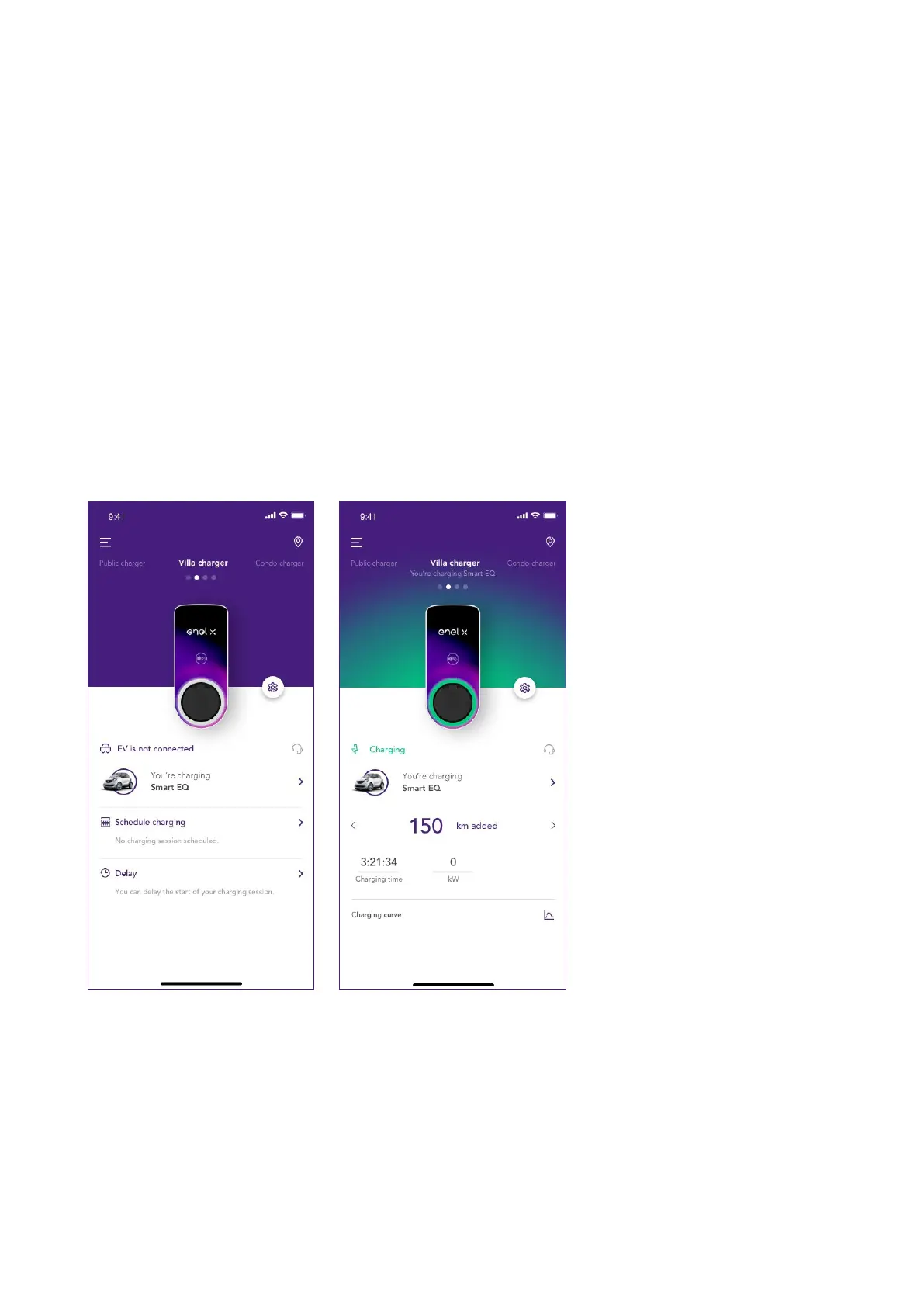
Charging stas automatically. Use the JuicePass app to monitor your charging session. To
do this, access the Home charging section.


 To Next Page