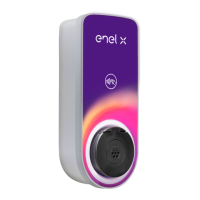
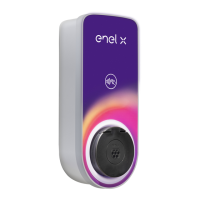
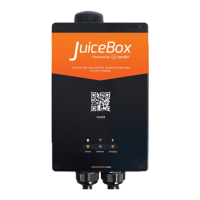
Need help?
Do you have a question about the Enel X JUICEBOX PLUS and is the answer not in the manual?
For private installations, allows charging without authentication.
For public or shared use, requires authentication via app or RFID.
Connects JuiceBox to Enel X platform via cellular for remote monitoring and control.
Enables a second user account to manage the JuiceBox via cellular connection.
Connects JuiceBox to Enel X platform via Wi-Fi for remote monitoring and control.
Enables a second user account to manage the JuiceBox via Wi-Fi connection.
Procedure for charging a vehicle when the JuiceBox is set to Connect&Charge mode.
Procedure for charging using the JuicePass app or an RFID card in Unlock to Charge mode.
 General
| Type | Level 2 EV Charger |
|---|---|
| Input Voltage | 208-240 VAC |
| Connector Type | SAE J1772 |
| Charging Cable Length | 25 feet |
| Connectivity | Wi-Fi |
| Smart Charging | Yes, via JuiceNet app |
| Compatibility | All SAE J1772 compliant EVs and PHEVs |
| Weatherproof Rating | NEMA 4 |
| Warranty | 3 years |


 To Next Page