29
4.2 Unlock to Charge mode
This section describes how to charge a vehicle with a JuiceBox set in Connect&Charge
mode, using either app JuicePass or a RFID card.
4.2.1. USING THE JUICEPASS APP TO START CHARGING IMMEDI-
ATELY
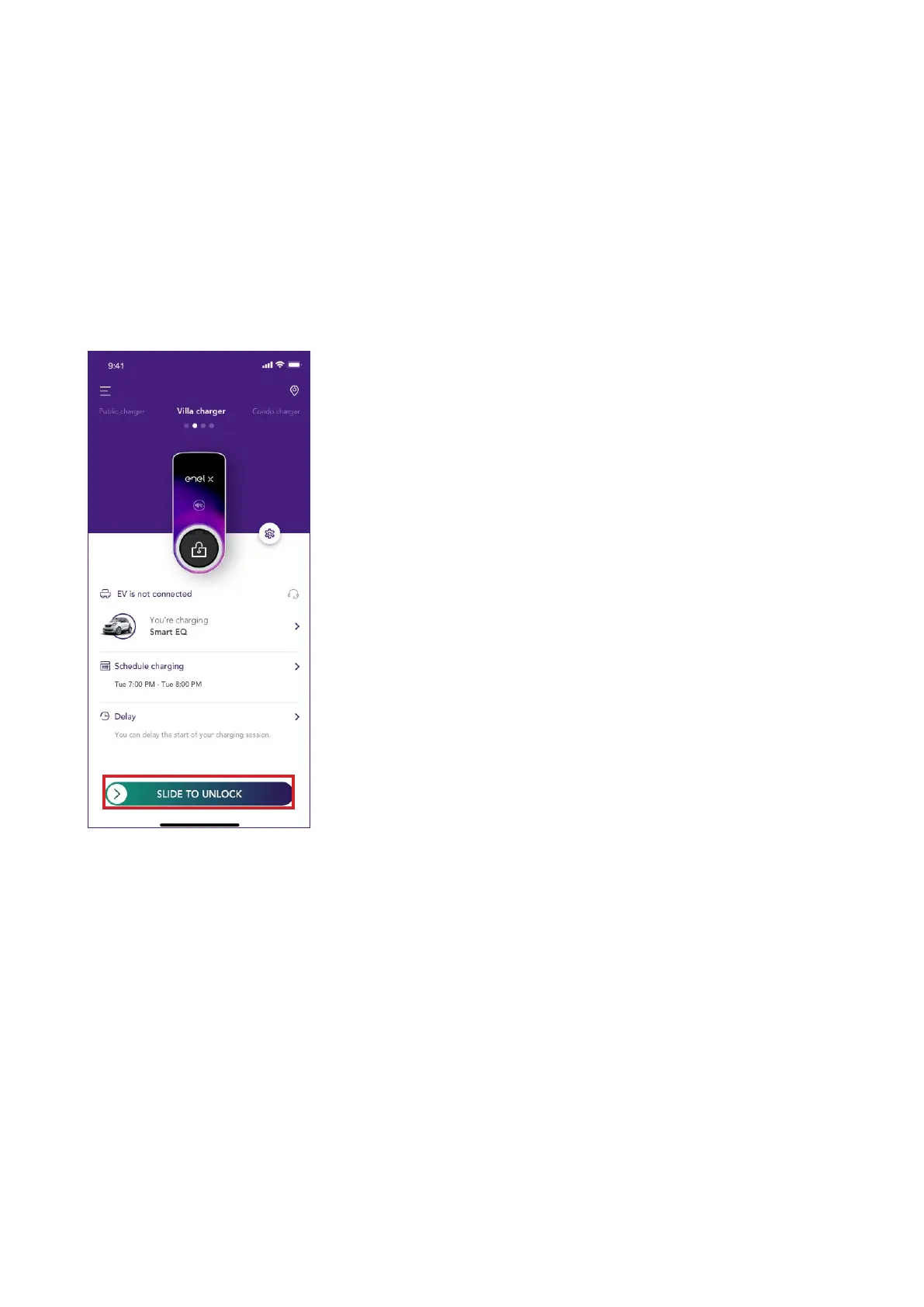
To sta charging, access the Home charging section in JuicePass app and Slide to unlock.
Plug in your vehicle within 90 seconds to sta charging.
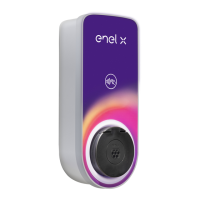
> Cable version: Connect the JuiceBox charging cable to your vehicle
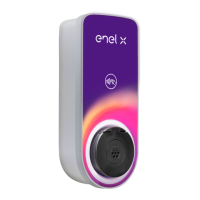
> Socket version: Connect your charging cable to the JuiceBox socket and to your vehicle
Charging stas automatically. Once staed, you can monitor your charging session on the
screen.



 To Next Page