31
4.2.2. USING A RFID CARD TO START CHARGING IMMEDIATELY
NOTE
Your RFID card is added to your account in the Geing Online section. If it is not the
case, you can pair a RFID card with the JuiceBox at any time, in the menu section My
Account.
v
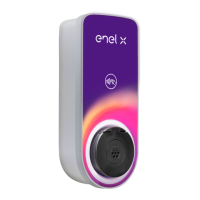
To sta a charging session, tap your card against the RFID reader on the JuiceBox. Plug in
your vehicle within 90 seconds of RFID authorization:
> Cable version: Connect the JuiceBox charging cable to your vehicle
> Socket version: Connect your charging cable to the JuiceBox socket and to your vehicle
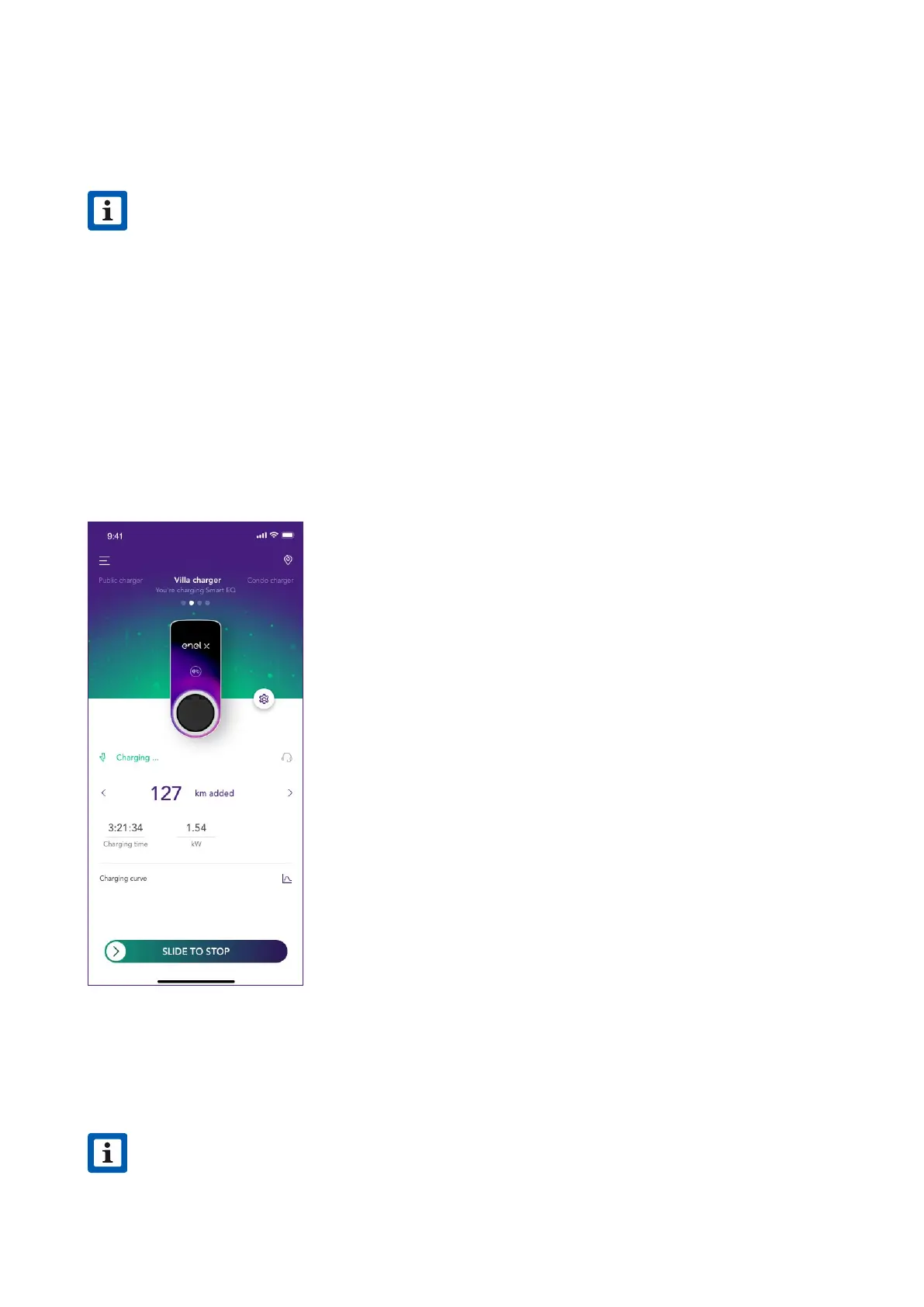
Charging stas automatically. Use the JuicePass app to monitor your charging session. To
do this, access the Home charging section.
To stop charging, tap your card against the RFID reader on the JuiceBox. Charging stops
automatically and the charging cable can be removed.
NOTE
It is also possible to issue a STOP command (from the JuicePass app or from the
vehicle).
v



 To Next Page