8
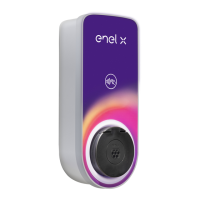
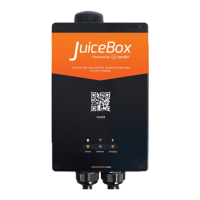
After installing your JuiceBox, use the included keys to lock the
JuiceBox to the wall frame.
LOCKING YOUR JUICEBOX
8
7
6
To connect JuiceBox to the internet, download the EV
JuiceNet app and follow the onscreen instructions. For
more information, refer to
support-emobility.enelx.com
Turn on the circuit breaker that supplies power to the
hardwired electrical connection.
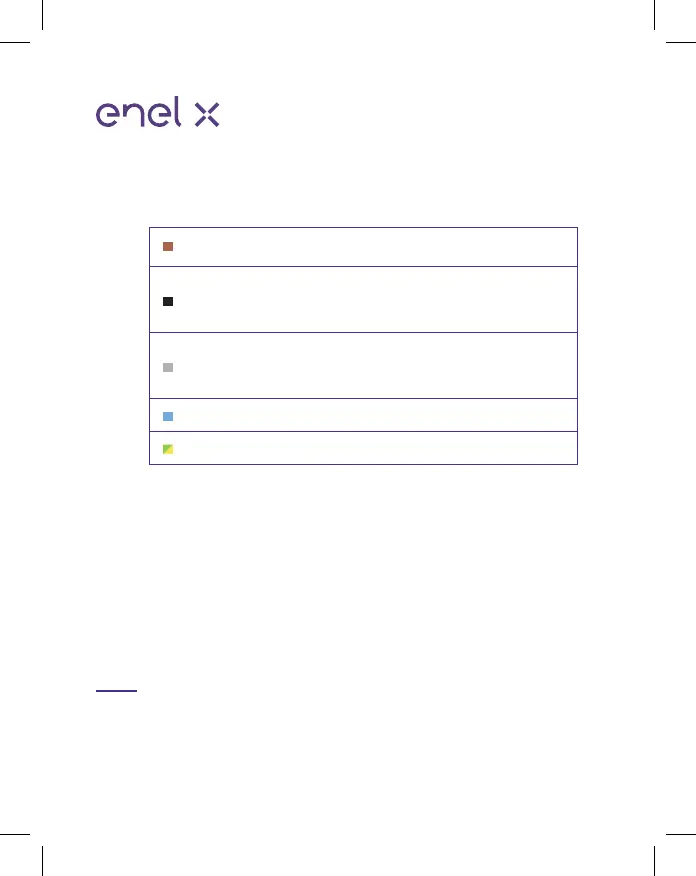
Brown
Blue
Green/Yellow
Black
Grey
L1
Neutral
Earth
Not connected.
Isolate and
terminate
Not connected.
Neutral Earth Isolate
and terminate.
1-Phase Hardwired
Version
3-Phase Hardwired
Version
L1
Neutral
Earth
L2
L3
Connect the harness to the wiring terminal:


 To Next Page