Most problems occur due to
driver problems on the Host
Card side!
If you buy a spare power
adapter for your working place
or at home, make sure the
output and polarity is identical
with the power adapter
supplied!
Chapter 3 - System Set Up
Connection to your Computer
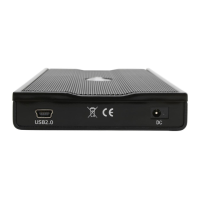
Please connect the Jazz enclosure to your computer with the USB cable enclosed in the package.
Using the power adapter with this product is also required.
A few tips on connecting the Jazz enclosure:
• Make sure your PCI Host Card is installed correctly
• Double check that the Host Card driver is up to date
• If required, update your Operating System or BIOS
• Only one computer at the time can access the drive
• To use one drive on several computers, it can be shared through one computer on the network
• Do not cover the enclosure and leave enough room around it to cool down
• Do not expose the product to water or humid conditions
• Always check for visible damage and defects of power and interface cables before using it
- 7 -


 To Next Page