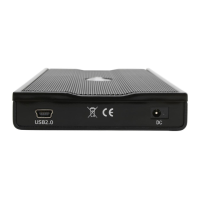
If the system doesn’t recognize
the drive, turn on the power
first, before connecting the
USB cable.
For safe removal of your drive
and to assure that no data is
lost, always follow the unplug
procedure. If not, an error
message will show up.
- 8 -
Installation on a PC (Microsoft Windows)
Win2000 or WinXP or WinVista with a USB connection:
• Turn on your computer and start Windows
• Connect the Jazz enclosure and turn it on
• Let Windows search and install the driver automatically
• Open “My Computer” to see your external hard drive**
Win98/SE with a USB connection:
• Turn on your computer and start Windows
• Connect the Jazz enclosure and turn it on
• Install the driver downloaded from www.enermax.com
• Follow the onscreen instructions and install the drivers
• Open “My Computer” to see your external hard drive **
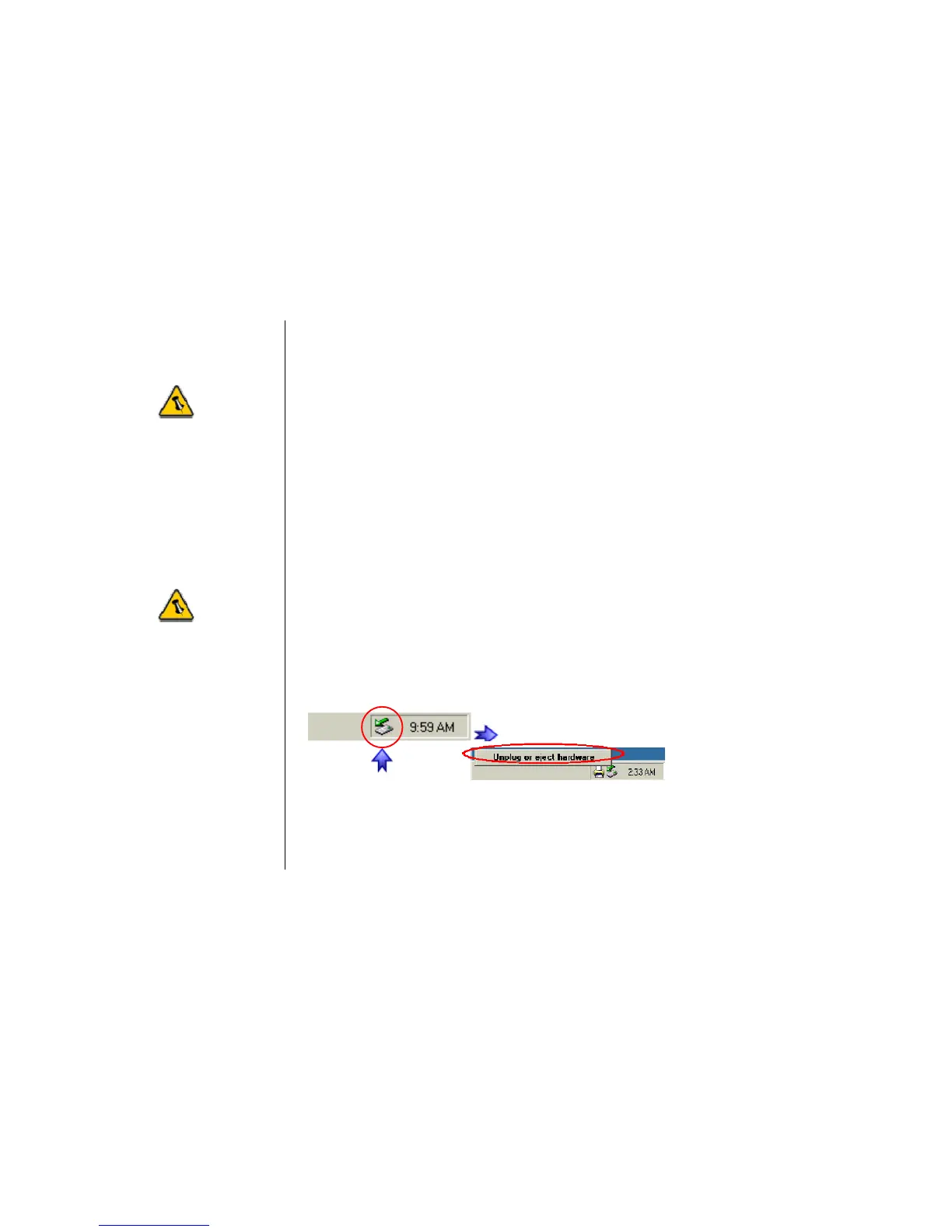
Unplug Procedure:
• Click on the taskbar icon for external hardware
• Choose your external hard drive and confirm to remove it
** For factory new drives and formatting, see “Partitioning & Formatting”


 To Next Page