12
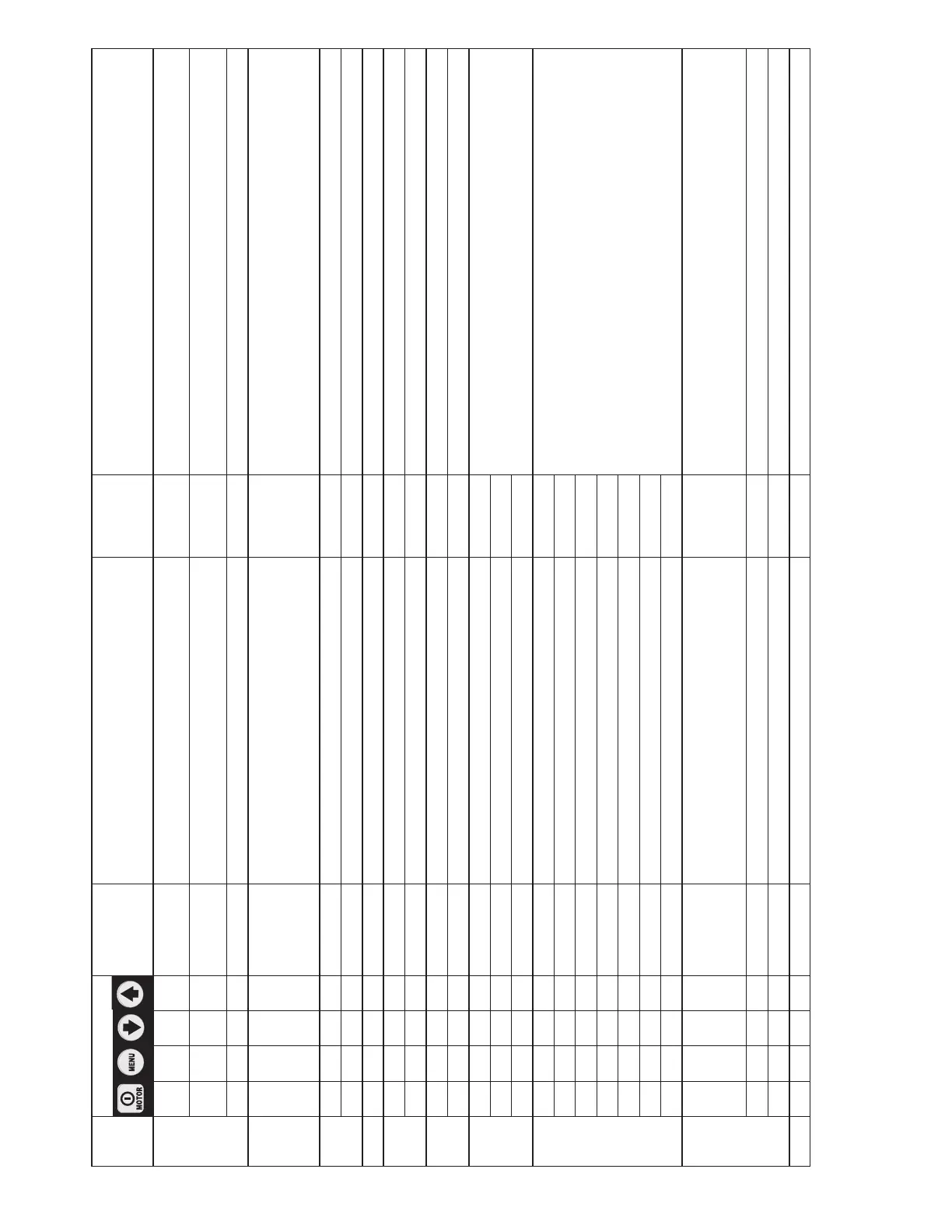
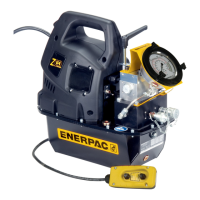
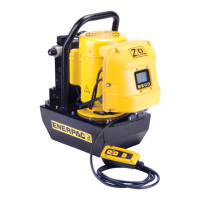
Table 1, QRC: Quick Reference Chart • Pump Firmware Version 7.x • Pump Type 5
Step Switch Text
Display
Expected reading / symbol / status
digital display
Units Comments
4C
(Cont.)
X " Up 50 psi (4 bar) per 0.5 sec. for first 3 sec.
Then up 50 psi (4 bar) every 0.05 sec.
" Only if pressure transducer is detected,
hold down button for 4 sec. minimum.
X " Down 50 psi (4 bar) per 0.5 sec. for first 3 sec.
Then down 50 psi (4 bar) every 0.05 sec.
" Only if pressure transducer is detected,
hold down button for 4 sec. minimum.
X Save and step to #4D by pressing Menu button for 3 seconds.
4D AUTO
or
READY
0 PSI
0 BAR
0 MPa
PSI, BAR
or MPa
Text Display:
“AUTO” if Automode ON
“READY” if Automode OFF
Numeric display will show “0” when motor is OFF.
5 X MOTOR Number of hours 0.0. HOURS Select hour meter function (motor).
X " Number of cycles. CYCLES Select cycle counter function (motor).
6 X LOW VOLT Number of hours at low voltage, displayed as 0.0. HOURS Select hour meter function (low voltage condition).
7 X ADVANCE Number of hours, displayed as 0.0. HOURS Select hour meter function (solenoid advance).
X " Number of cycles. CYCLES Select cycle counter function (solenoid advance).
8 X RETRACT Number of hours, displayed as 0.0. HOURS Select hour meter function (solenoid retract).
X " Number of cycles. CYCLES Select cycle counter function (solenoid retract).
9 X LOCAL OFF
Select “LOCAL” mode.
Toggle between “ON” and “OFF”.
X " ON
X " OFF
10 X ENGLISH Select language, default is English.
X ESPANOL
X FRANCAIS
X ITALIANO
X DEUTSCH
X PORTUGUES
X ENGLISH Save and step to #11 with Menu button.
11 X DIAGNOSE 00001 PSI, BAR,
MPa, Ft-lb
or Nm
Pressure or torque units will appear,
indicating that pressure transducer is connected.
When pendant buttons are pushed, the digital display
is expected to show processor inputs that are “turned on”.
10001 With pendant On/O button pushed.
01001 With pendant ADVANCE button pushed.
12 X - - - Hold for 3 seconds to return to step 4B or 4D.
(Continued from previous page)






 To Next Page