46
5.1 SAT TV Menu
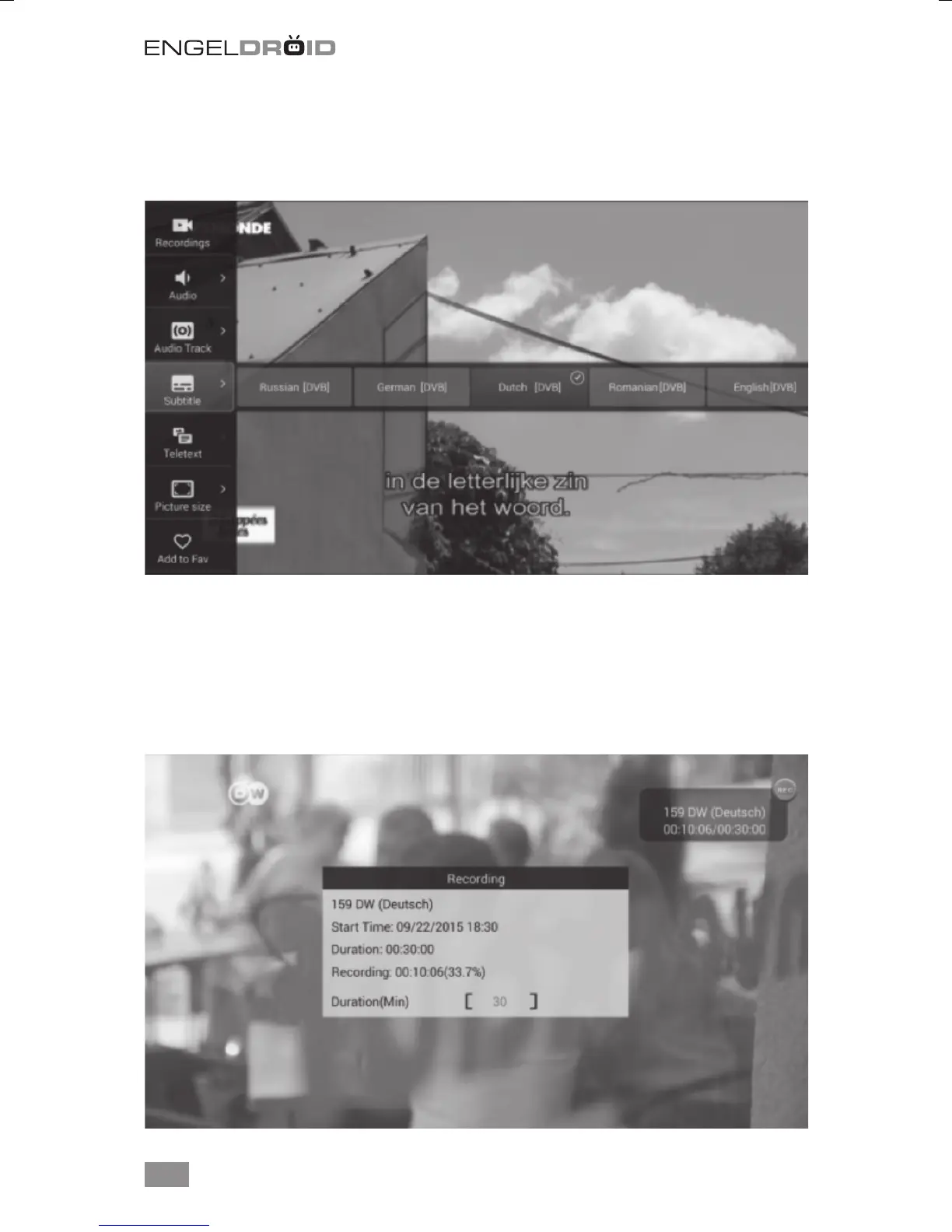
Press MENU button to display SAT TV menu for more option. You could choose subtitle,
audio track, turn on TELETEXT, add channel to Favorites group etc...
5.2 PVR (Personal Video Record)
The media box support instant PVR, timer PVR and EPG booking PVR. Please con-
gure the storage device in SAT TV settings before start PVR. You could record your
prefer live TV program to external USB storage and playback anytime anywhere. Press
REC button again to open menu for change default recording duration. You could also
change the default recording duration in SAT TV settings menu. See chapter 6.4.



 To Next Page