56
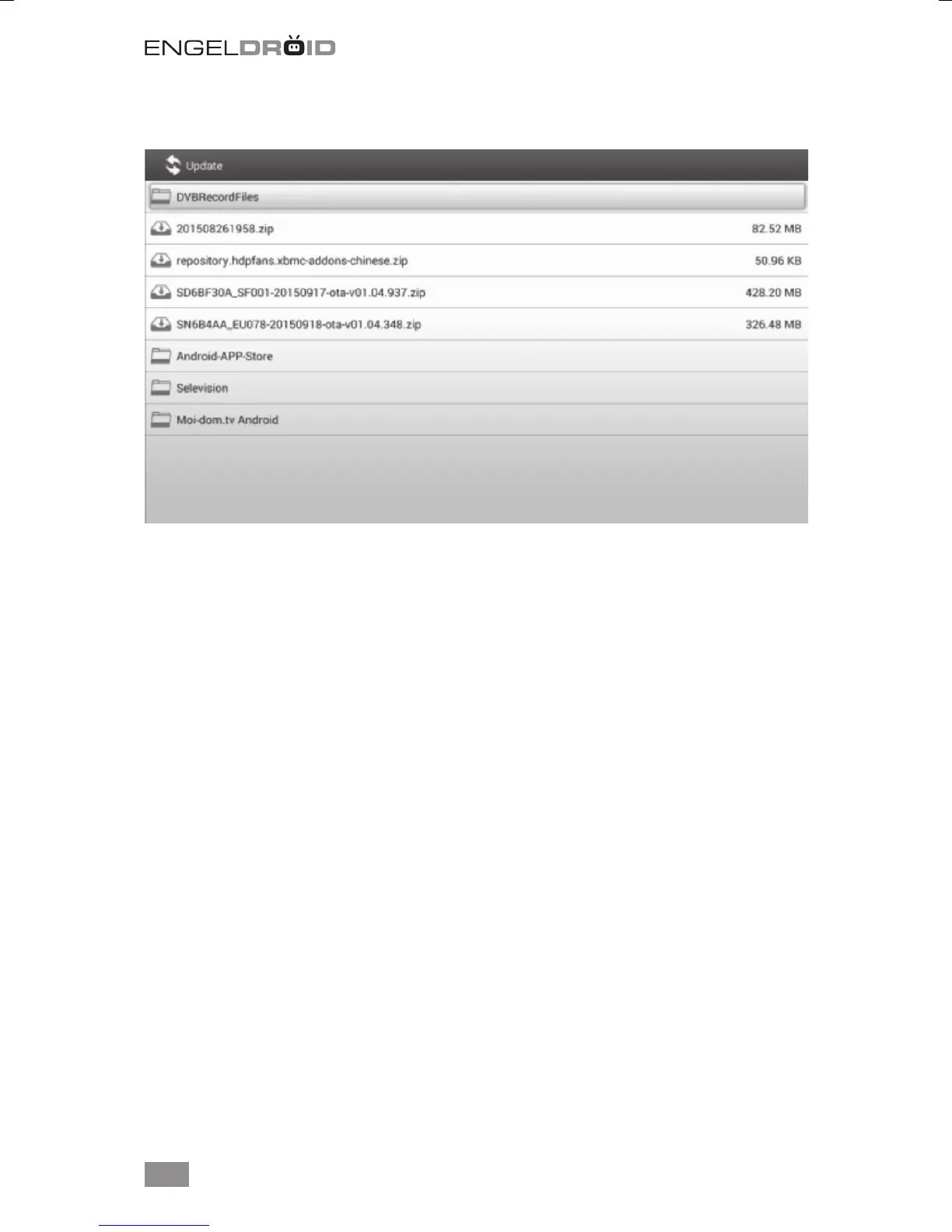
Choose the upgrade package from USB/SD card storage to update the media box.
8. Troubleshooting
8.1 No signal on the HDTV
- Check if the HDMI cable is securely connected.
- Check if you have selected the correct HDMI input on your HDTV.
- Check the antenna cable, replace the cable, or connect the cable to the receiver
tightly.
- Set the values of the tuner parameters correctly in the installation menu.
- Check the antenna connections.
8.2 Cannot turn on your media box.
- Check if the power connector has completely plugged into the DC socket of your TV.
- Check if the power supply is stable.
8.3 Cannot connect to network
- Make sure the network cable is securely connected and he Ethernet work well.
- Make sure Wi-Fi network is connected and the security key for the encrypted net-
work is correct.
- Make sure you select the correct IP address settings.
8.4 Some HDTV can not display the entire picture
- Setup the screen ratio on your HDTV as automatic.
- On your HDTV, go to Menu >Screen >Press arrow buttons to select the ratio type >
Choose automatically display the entire screen.



 To Next Page