Multi-Function Gigabit Wireless-N Client Bridge Version 2.0
11
3.
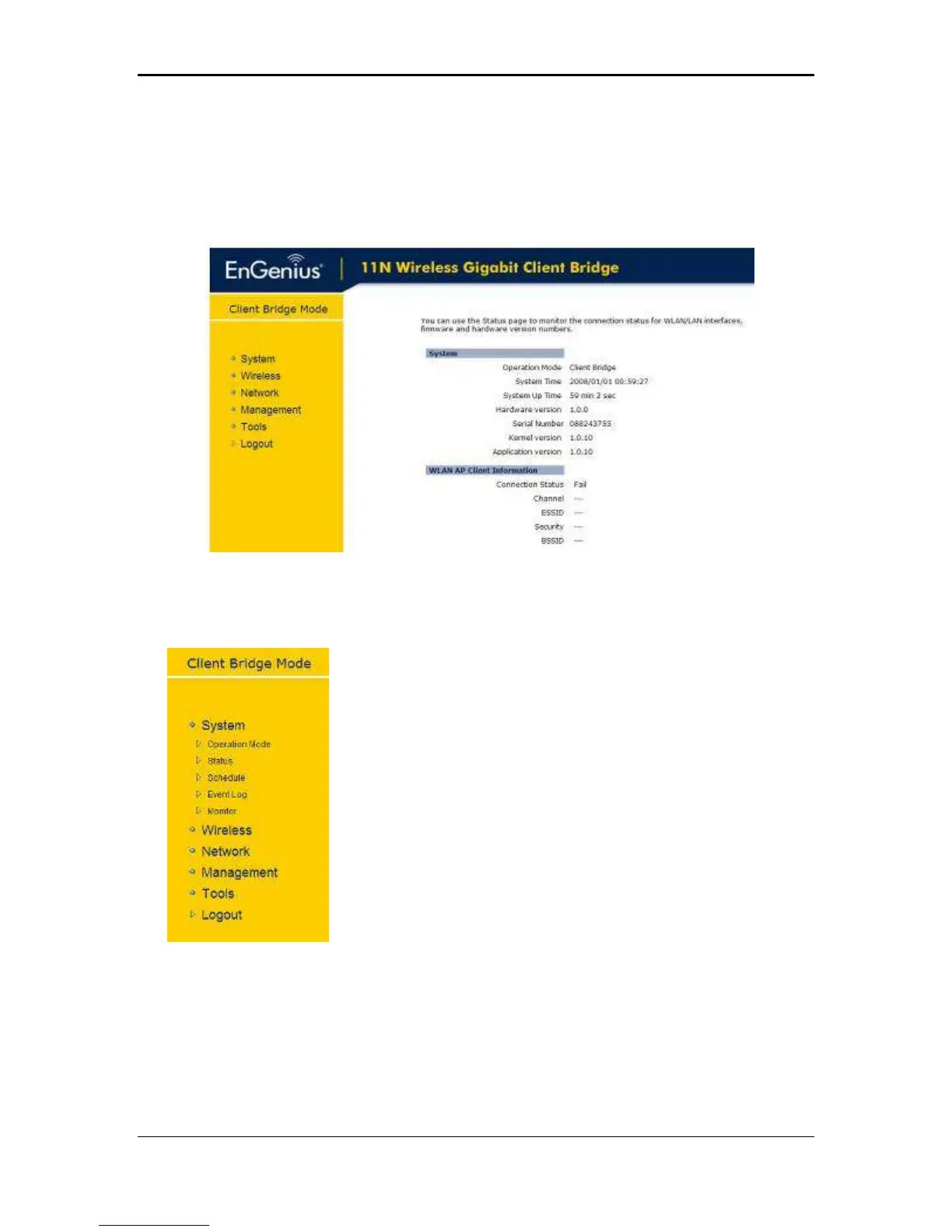
Network: This menu includes status, and LAN.
4.
Management: This menu includes the admin setup, SNMP, firmware upgrade,
save/restore backup and device reset.
5.
Tools: Displays the time zone, power saving, and diagnostics.
6.
Logout
: To logout the system. Need to open up a new browser window in order to login
again.
3.2 System
Click on the System link on the navigation drop-down
menu. You will then see five options: Operation Mode,
Status, Schedule, Event Log, and Monitor. Each option is
described in detail below.
I



 To Next Page