Multi-Function Gigabit Wireless-N Client Bridge Version 2.0
14
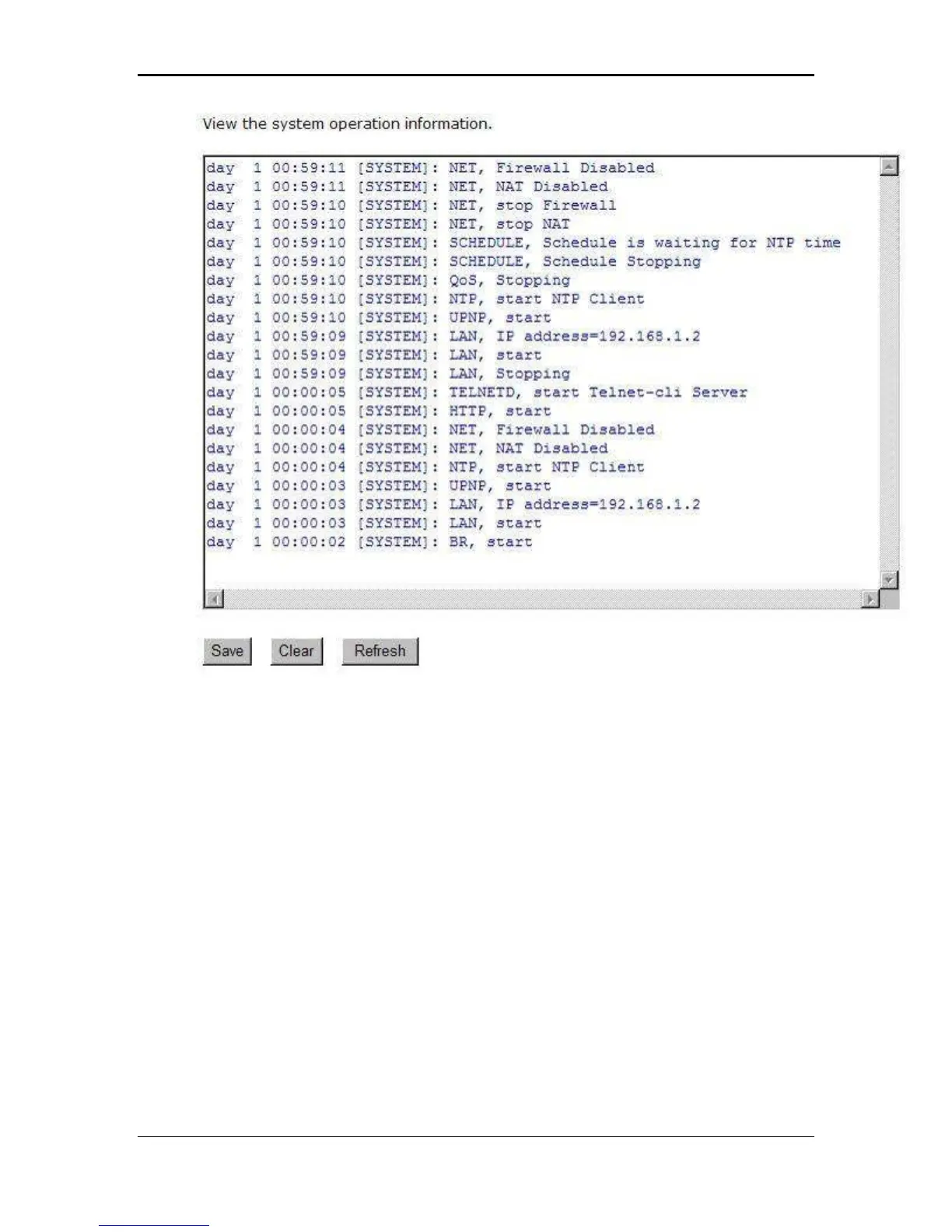
Save: Click on the Save button to save the log into a text file on your computer.
Clear: Click on the Clear button to clear the log on the screen.
Refresh: Click on the Refresh button to refresh the log.
3.2.4 Monitor
Click on the Monitor link in the navigation drop-down menu. This page displays the
transmitted and received packet statistics of the wired (LAN & WAN) and wireless
interface. You may change the auto-refresh time by selecting the number of seconds
from the drop-down list.



 To Next Page