Multi-Function Gigabit Wireless-N Client Bridge Version 2.0
29
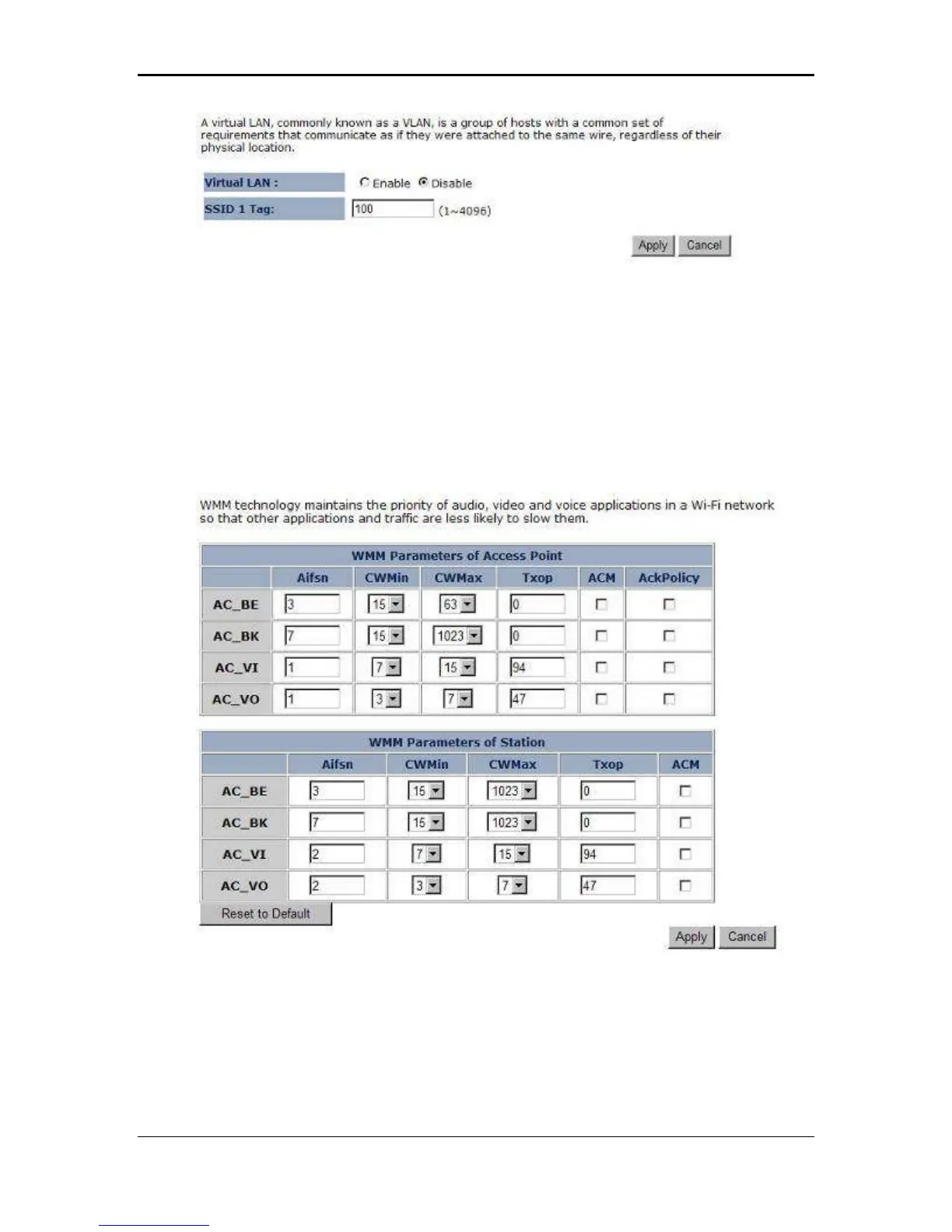
Virtual LAN: Choose to Enable or Disable the VLAN features.
SSID1 Tag: Specify the VLAN tag.
Click on the Apply button to save the changes.
3.2.4.2.9 WMM (Wireless Multimedia)
Click on the WMM link under the Wireless drop-down menu. WMM is Quality of
Service (QoS) for wireless and ensures that voice and video applications get priority
in order to run smoothly.
Specify the priority and then click on the Apply button.



 To Next Page