3.1.2. Web Browser
You can use web browser on the management station to access the camera by entering IP address or DDNS of your camera. DDNS works
only if your router is connected to the Internet. Please refer to the previous section if you do not know the IP address or DDNS of your camera.
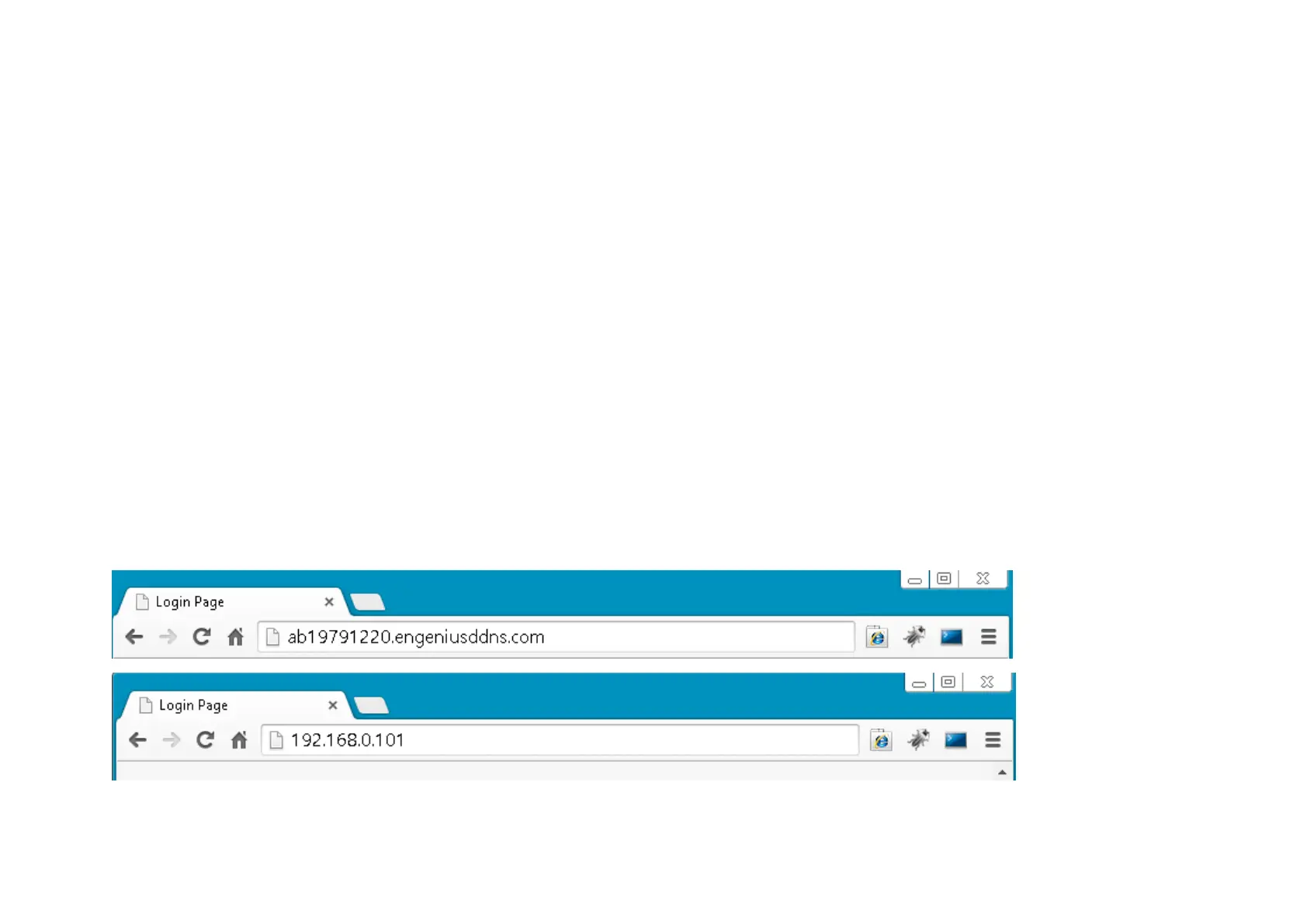
For this example we have our DDNS and IP address as follows:
DDNS: ab19791220.engeniusddns.com
IP Address: 192.168.0.101
If you are using EnGenius Intelligent Router or IoT Gateway please proceed to Manage camera over EnGenius Router chapter.
If not, please proceed to First Time Basic Setting chapter for more detail guide on camera initial settings.



 To Next Page