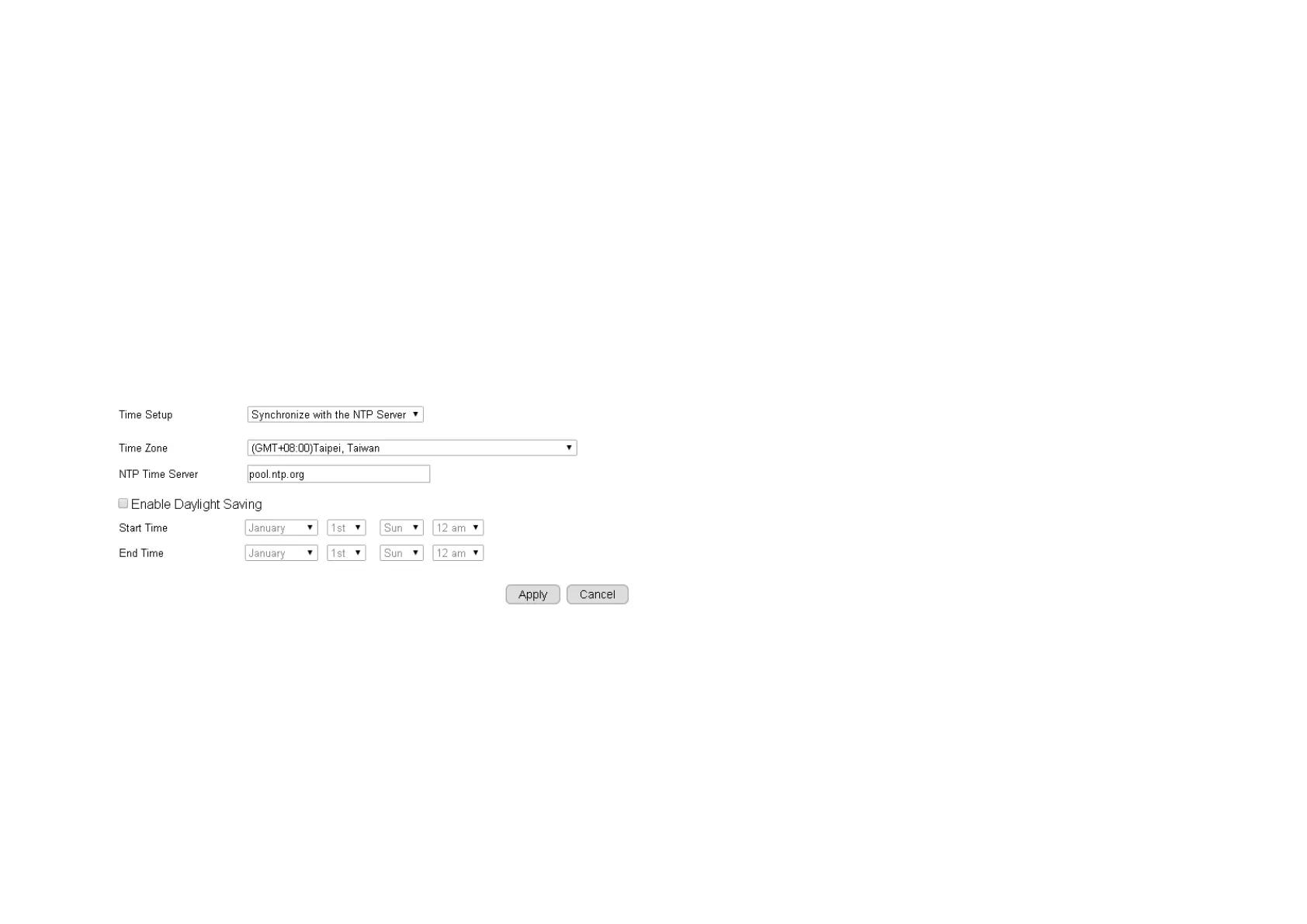
5.4.3. Time
Like any other surveillance system, time is essential because we want to keep track of the time of the events recorded or detected by the
camera. By default, the camera is connected to a public time server (pool.ntp.org) and its time is always synchronized with the server over the
Internet. Normally, you only need to change the Time Zone. Choose the one that matches your location. Leave the other setting as default
should be fine. Setting the wrong time server or time zone will result in inaccurate scheduling and time stamp.
Time Setup: synchronized with time server or PC
Time Zone: select time zone
NTP Time Server: the time server address
Enable Daylight Saving: check the box if applicable
Start Time: The daylight saving start time
End Time: The daylight saving end time



 To Next Page