EUB9801 – 300Mbps 802.11 a/b/g/n Dual Band Wireless N USB Adapter
11
7. Carefully insert the USB adapter into the USB port. Windows will then detect
and install the new hardware.
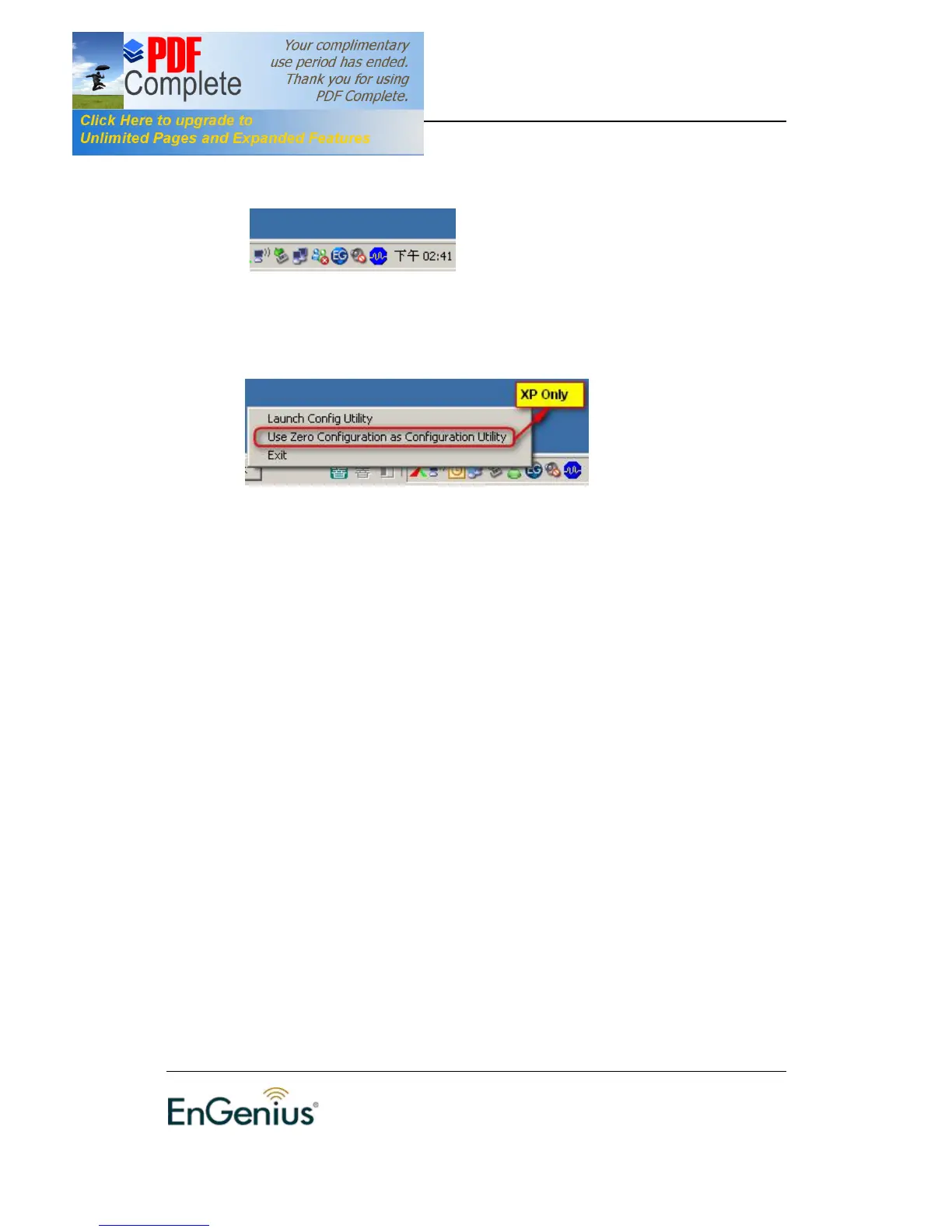
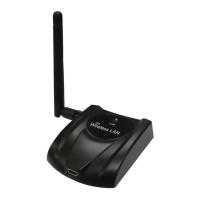
8. An EG icon will then appear in the system tray. Right click on the EG icon and
then click on Launch Config Utility.
Note: Click on Use Zero Configuration as Configuration Utility if you would
like to use Windows Zero Configuration (XP only feature).


 To Next Page