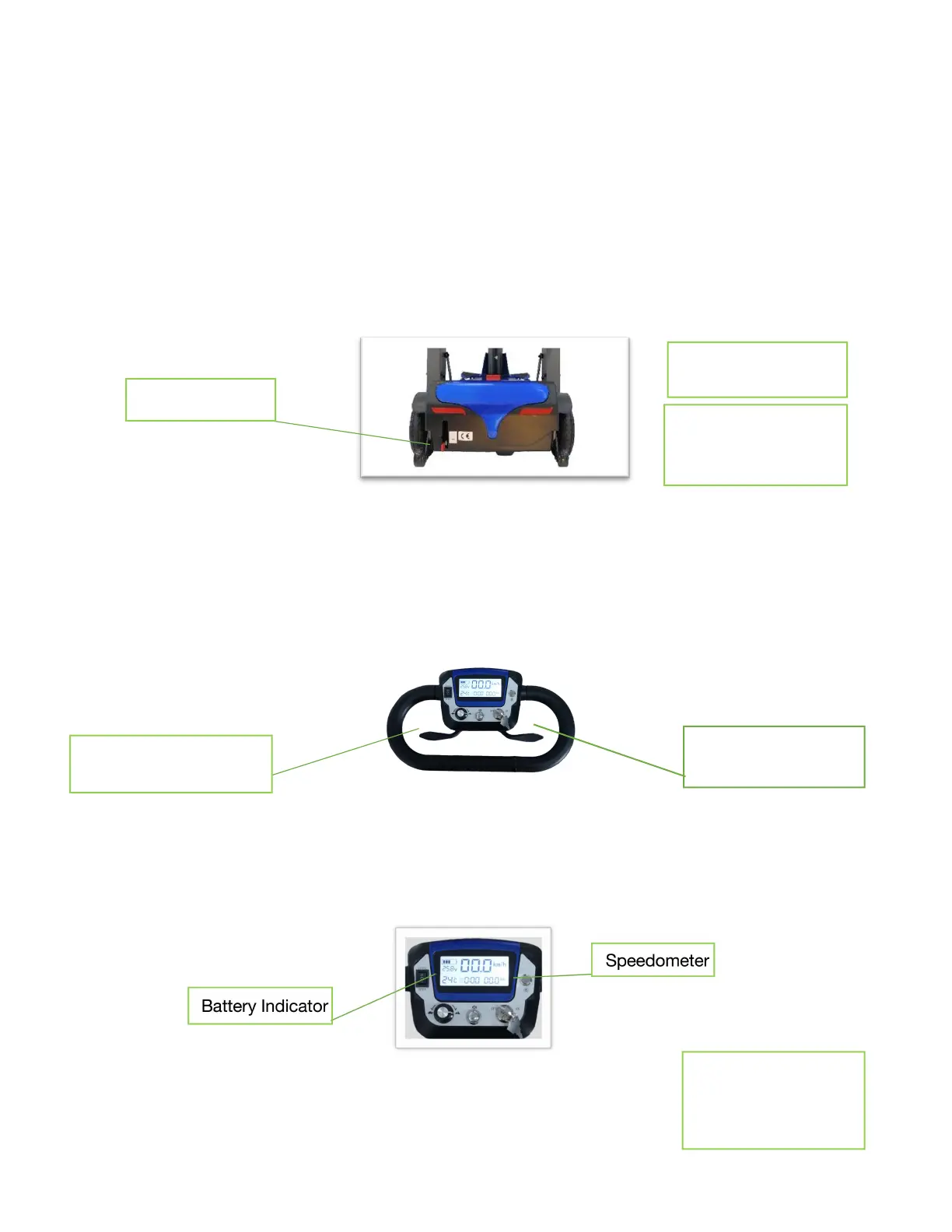
Press slowly to
move backwards
Press slowly to move
forward
4.
Operating Instructions
Turning on the Power
Put key in ignition and turn clockwise to turn on. The LCD display will turn on when the scooter is on.
Turn the key counterclockwise to power off. The LCD display will turn off when the scooter is off.
Please note – If the Free Wheel Lever is engaged the scooter will make a beeping noise when the scooter is
turned on. Disengage the Free Wheel Lever to operate the scooter.
Free Wheel Lever
The free wheel lever is located on the rear of the scooter on the left-hand side. Pushing the lever down will allow
the wheels to move freely. The lever must be pulled up to drive the scooter.
Please note – when Free Wheel is engaged the scooter will slow down if being pushed/pulled too fast.
Forward/Reverse Directional Control Lever
The Forward/Reverse Directional Control Lever is used to control forward and reverse motion. To move
forward - slowly push the right-side fingertip control paddle towards the handlebar. The further you push, the
faster the scooter will go.
To reverse – slowly push the left side of the fingertip control paddle towards the handlebar.
Stop the scooter by releasing the directional control lever.
LCD Display
The LCD Display shows the battery level, battery voltage, speed you are traveling at and distance.
The battery level indicator will show the battery level when the scooter is on. When 5 bars are visible, the battery
is fully charged. The bars disappear as the battery loses charge. The battery is ½ charged when 3 bars are left.
When there is only bar left, the battery needs to be charged.
See section 7 for
more information
about battery
charging
Push down to
engage free wheel
Pull up to
disengage Free
Wheel

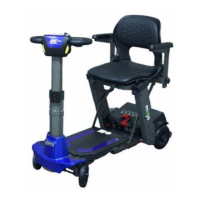

 To Next Page