14
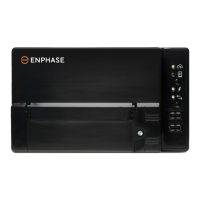
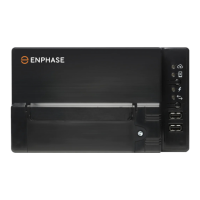
Method D for Envoy S – Manual Configuration for Internet Connection
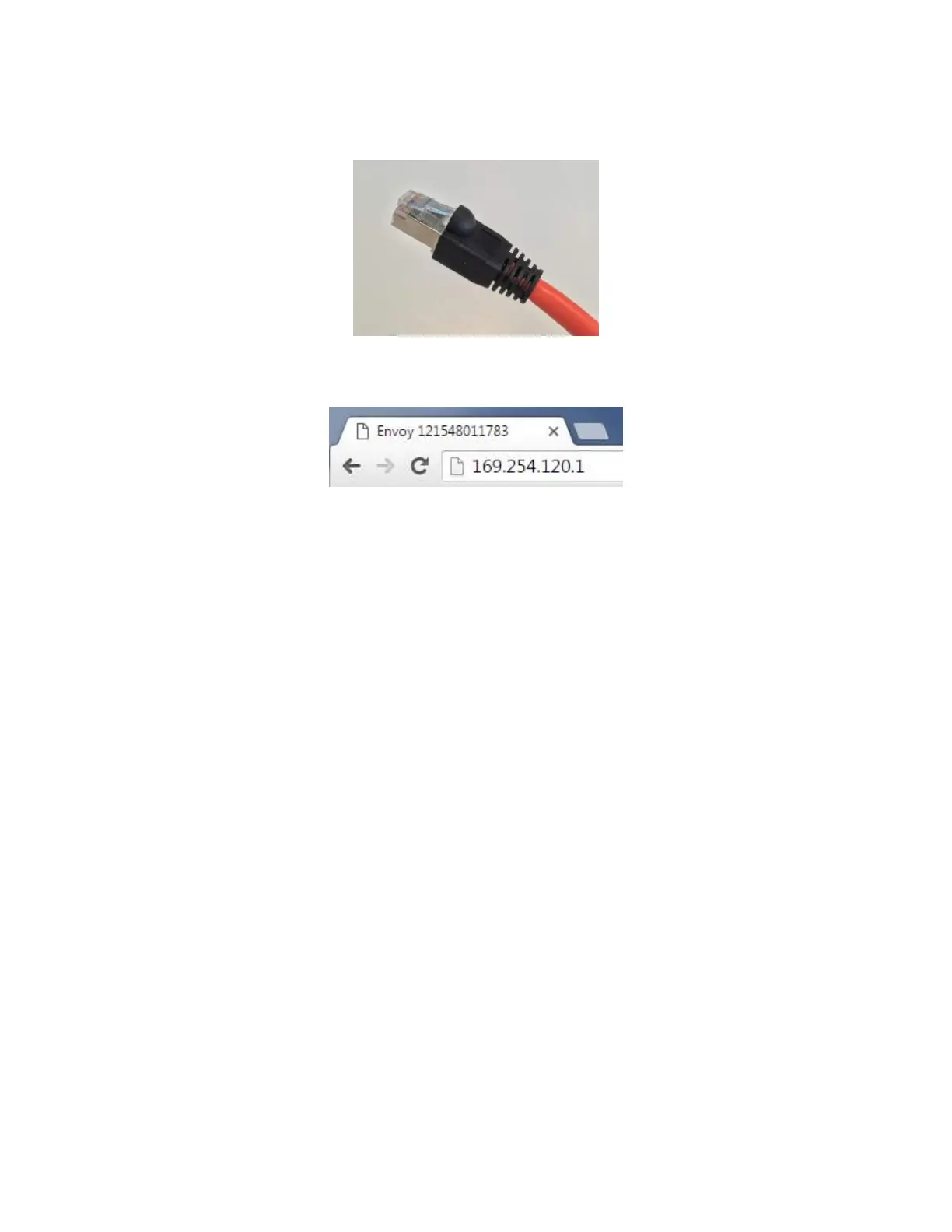
1) Connect a laptop to the Envoy using an ethernet cable.
2) Open a web browser (eg. Google Chrome, Mozilla Firefox, Internet Explorer) and type the address
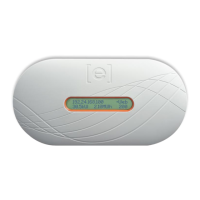
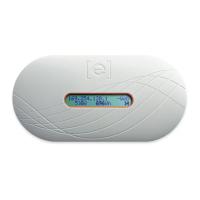
"169.254.120.1" into the address bar (you should see this IP address on the display of your Envoy).
3) Go to step 4 in “Method C for Envoy S – Manual Configuration for Internet Connection”.


 To Previous Page
 Loading...