8
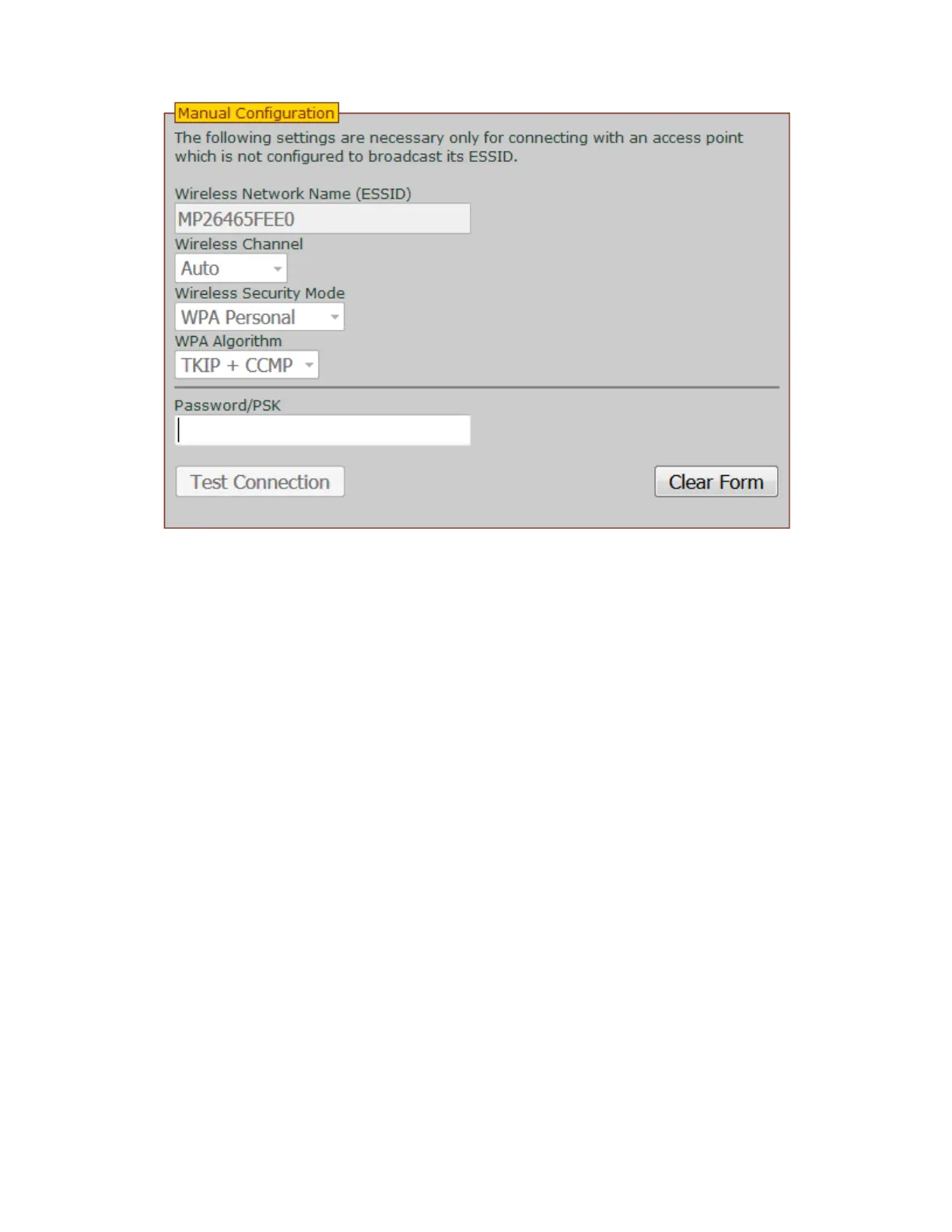
8) Click "Test Connection" and once this is complete, click "Join Network".
a) If you get the test connection failed message, click the clear form button.
b) Manually type in the “Wireless Network Name” and password.
c) Change the "Wireless Security Mode" setting to "WPA Personal" and the "WPA Algorithm"
setting to "TKIP" and repeat step 8.
d) If the above does not work, change the “Wireless Security Mode” to "WPA Personal" and
change “WOA Akgorithm” to "TKIP + CCMP" and repeat step 8.
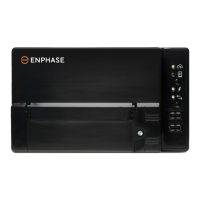
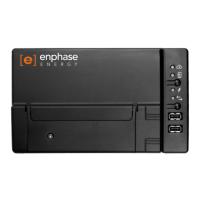
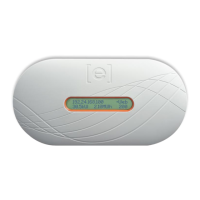
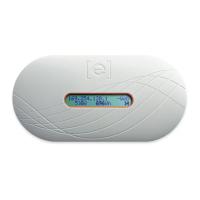
9) Wait up to 10 minutes and check that +Web and a new IP address appears on the screen of your
Envoy.


 To Next Page
 Loading...