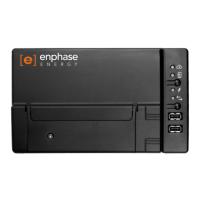
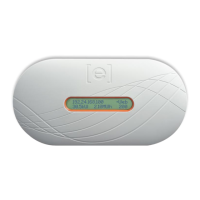
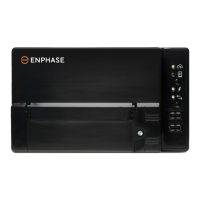
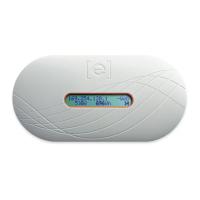
Do not plug the Envoy
into a power strip, surge protector, or
uninterruptable power supply (UPS).
These devices impede power line
communications.
3
Find a Location for the Envoy
• Locate an AC outlet that is indoors or in an environmentally protected location
and close to the load center.
• Place the Envoy so that its AC cord can reach this outlet.
• Plug the AC cord into a dedicated wall outlet.
AC load
center
Envoy
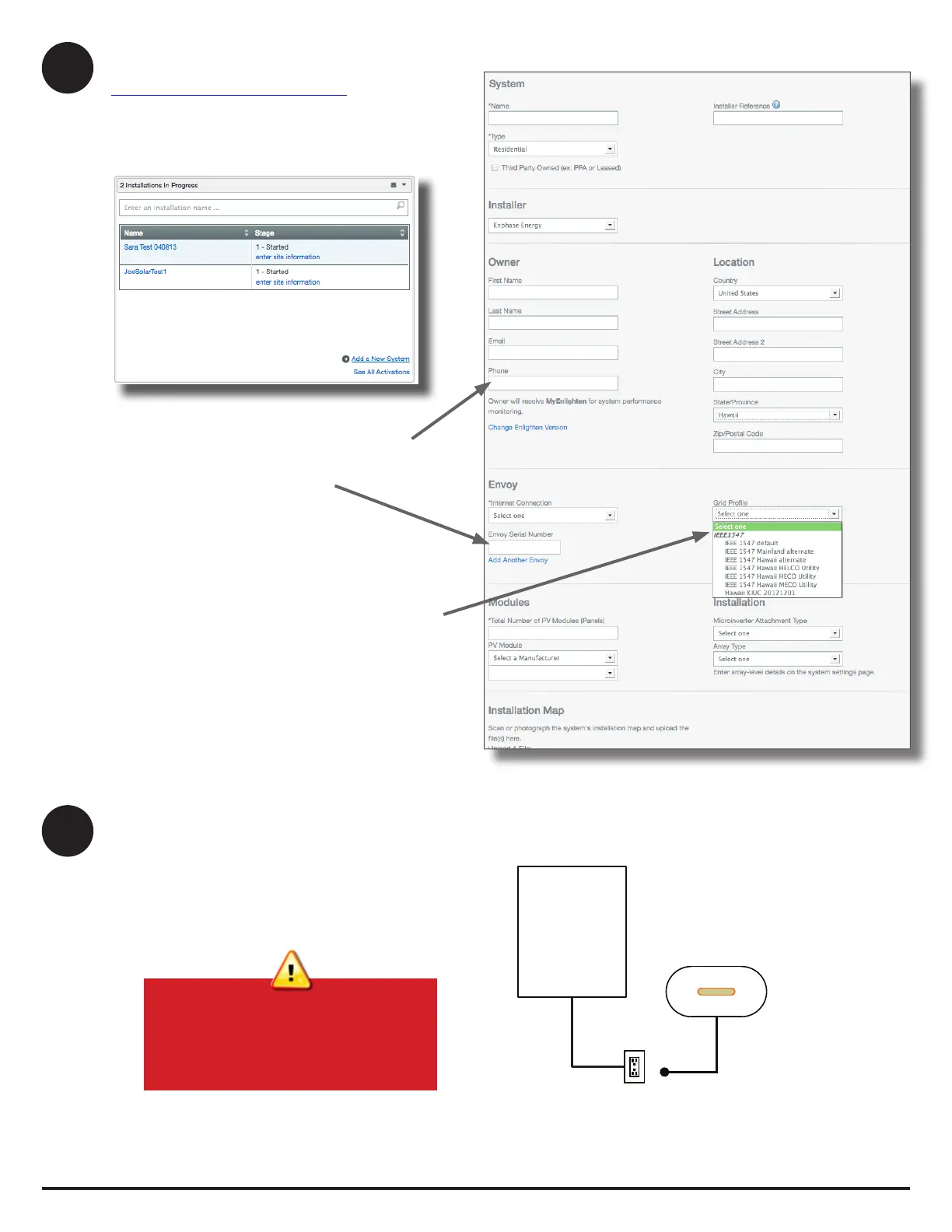
c. Select the Grid Prole (if required)
In the continental US, you can skip this step because
the factory settings meet requirements.
If you have selected a country other than the US, or if
you select Hawaii as the state under Location, the Grid
Prole menu appears.
• Select the appropriate prole from the Grid Prole
menu.
• Click Save to submit the form.
For more information on Grid Proles, see the Envoy
Communications Gateway Installation and Operation
Manual at: http://www.enphase.com/support.
2
Register the Envoy
Register the Envoy at the Enlighten website:
https://enlighten.enphaseenergy.com.
a. Log in to Enlighten
• At the installer dashboard, click Add a New System.
b. Enter System Activation Information
• Enter the System, Installer, Owner, and Location
information.
• Enter the Envoy serial number.
System Activation form



 To Next Page
 Loading...